Getting Started

Live Translator - Quick Start Guide
Learn how to set up Hope Translator for live speech translation. Discover three simple methods to get started, from smartphone to professional audio setups, and understand why audio quality matters for accurate translations.
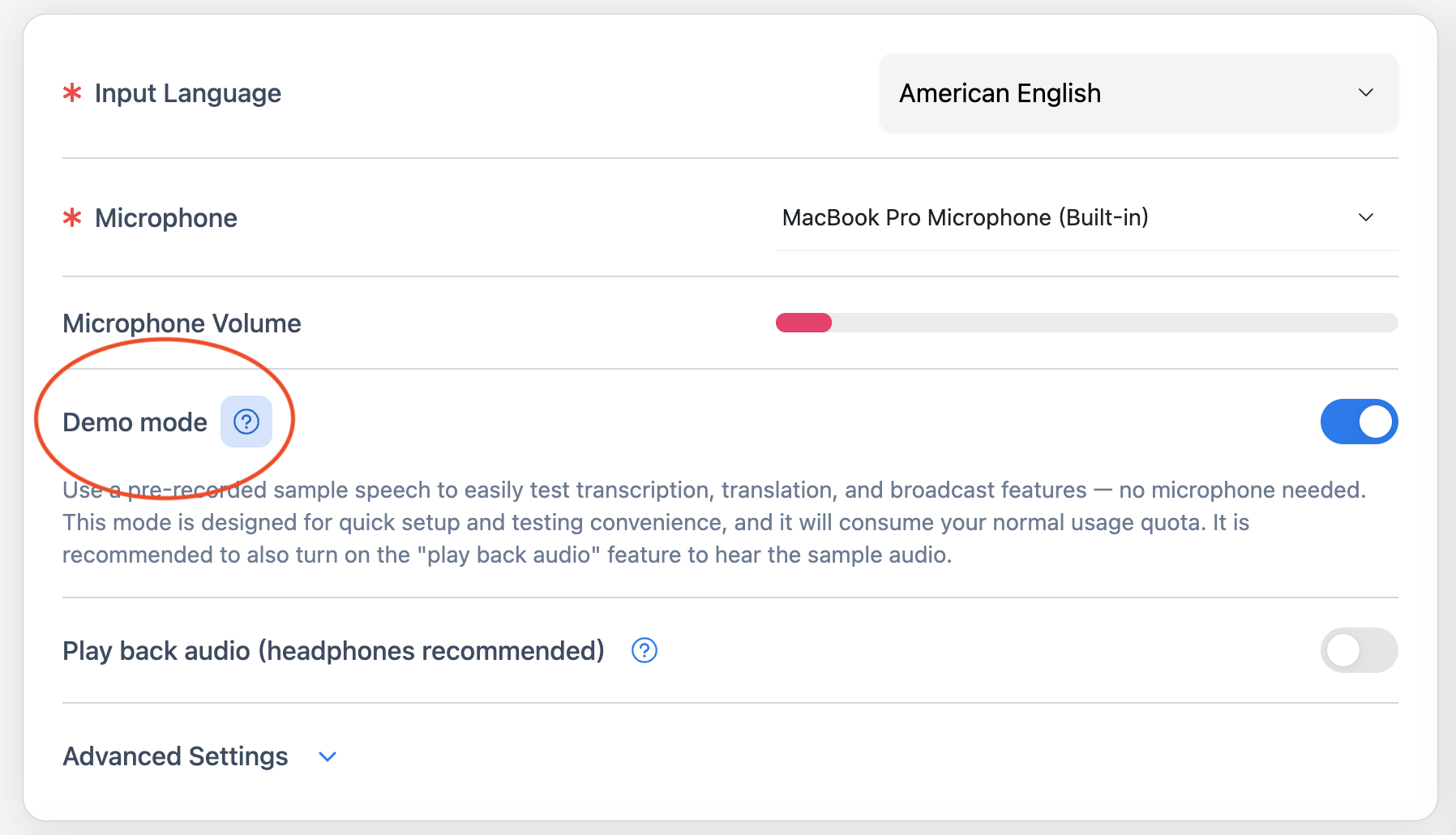
How to Start a Demo Broadcast: Easy Steps
Learn how to start a demo broadcast in five easy steps. Enable demo mode, press play, preview transcription, share the QR code, and let others join from their phone. No account or microphone required.
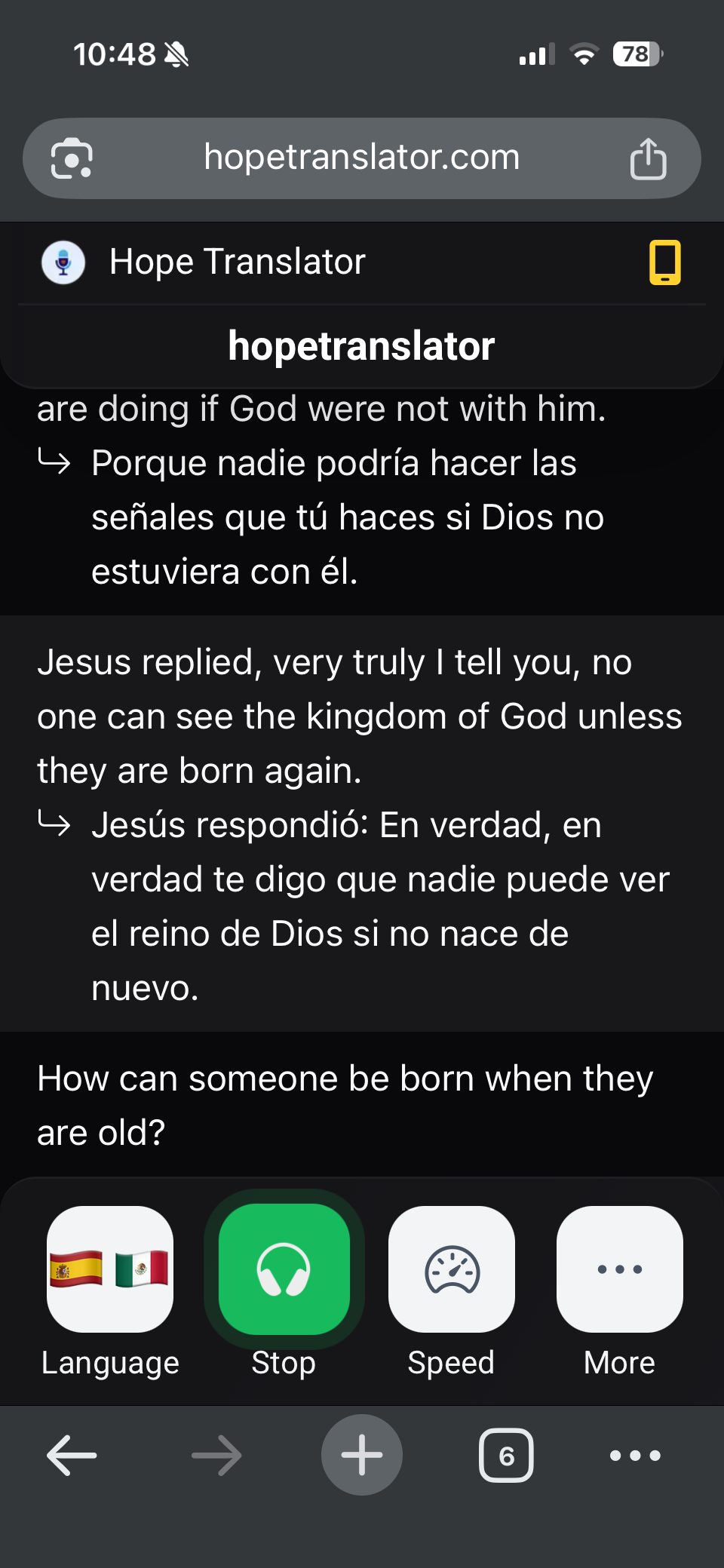
How to View and Customize Live Translation
Learn how to view live translations, customize your reading experience, and adjust settings like font size, transcription display, and audio playback when scanning a QR code to join a broadcast.

Frequently Asked Questions
Find answers to common questions about Hope Translator and live translation

How to Manage Your Hope Translator Subscription
Upgrade, downgrade, or choose a Hope Translator plan. Compare monthly and yearly billing, see which plan fits your audience, and what to do if a plan change does not show the minutes you expect.

How to Get Accurate Transcription and Translation
Learn essential tips for achieving accurate transcription and translation results with Hope Translator, including sound quality requirements and microphone setup for different modes

How to Test Live Speech Translation
Learn how to test Hope Translator with your favorite YouTube videos, from sermons to graduation speeches. Master the complete workflow from web console to mobile app experience.
How to Use
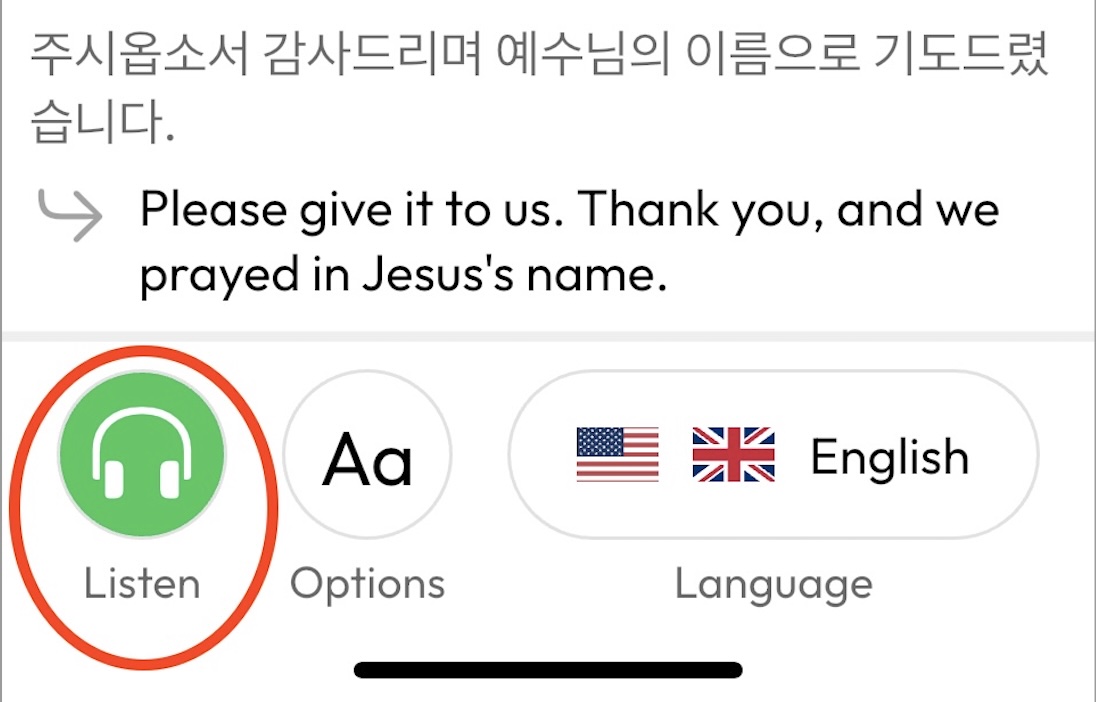
How to Listen to Live Translation
Learn how to set up and use live translation with Hope Translator, connecting web broadcasts to mobile listeners for real-time multilingual communication.

Presentation and Streaming Software Integration
Learn how to integrate Hope Translator with ProPresenter, OBS, and other presentation software using screen overlay for live translation during events and broadcasts
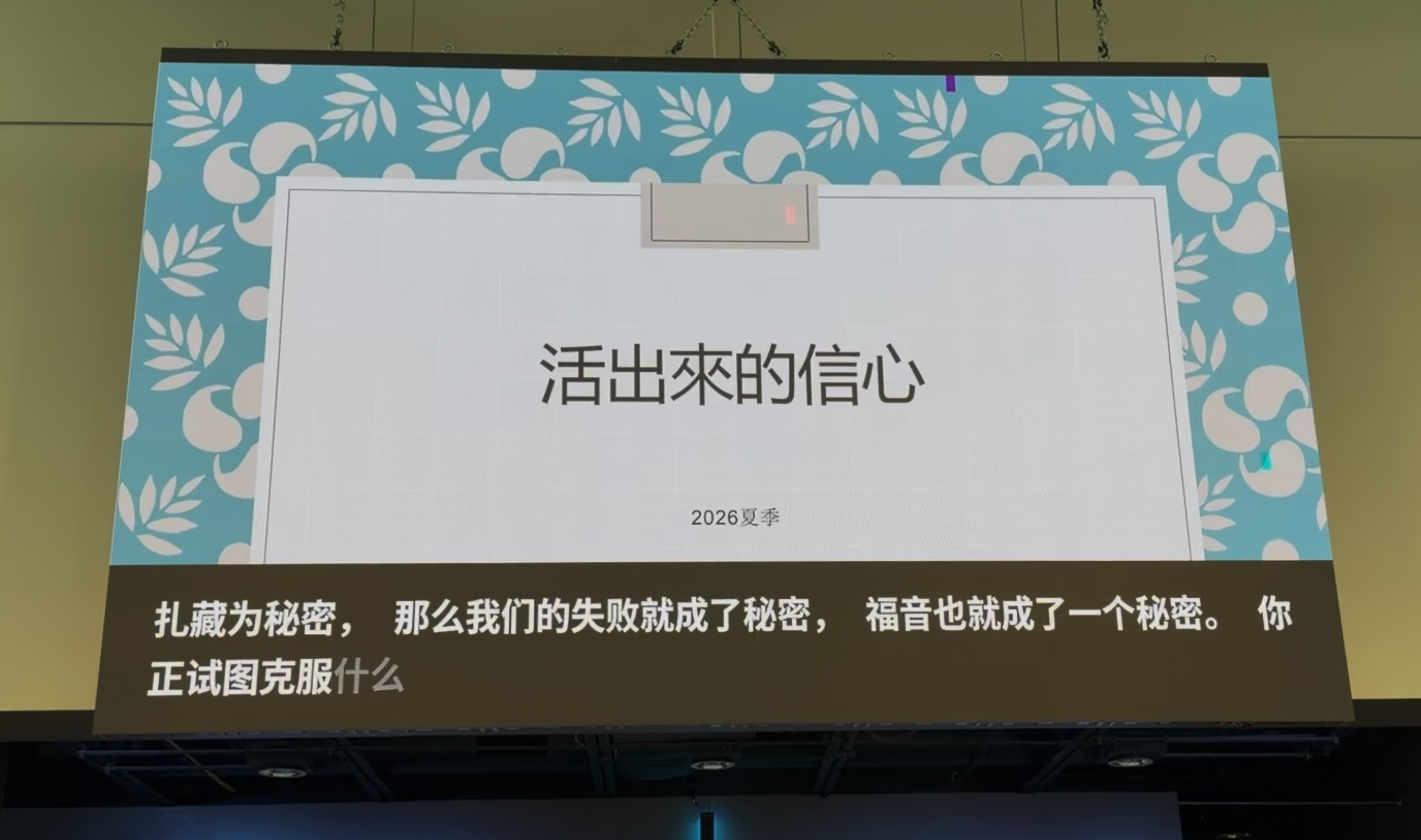
Presentation Screen vs Personal Devices: When to Use Each
Learn when to display live translation on a presentation screen versus personal devices, based on how many people need translation and whether they prefer reading or listening

Using Live Translator in Small Groups
Discover how Hope Translator makes small group translation accessible and affordable. Perfect for Bible studies, family gatherings, and intimate meetings with 3-20 people.

Live Conversation Translation
Master real-time conversation translation with Hope Translator's mobile interface

Live Translation and Screen Sharing
Learn how to effectively share live translations on screen during events

Online Meeting Translation
Learn how to use Hope Translator for real-time translation in virtual meetings

Using Hope Translator as an AI Note-Taking App
Learn how to use Hope Translator for powerful AI-powered note-taking capabilities
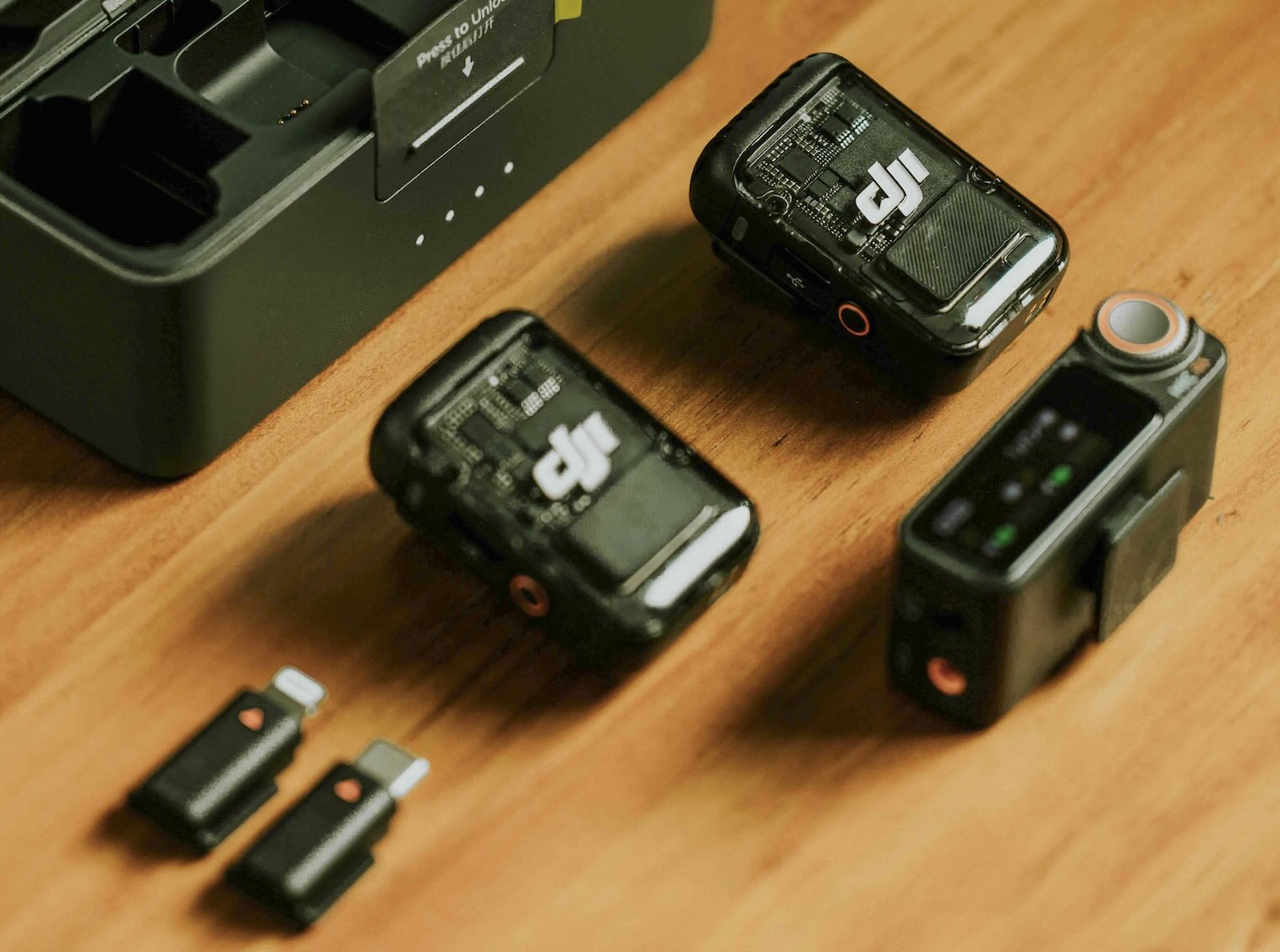
Best Wireless Microphone Setup for Live Translation: Simple, Easy, and Professional
Discover why wireless microphones are the best choice for live translation. Learn about simple setup, noise cancellation features, and the key advantages that make wireless systems ideal for professional translation work.

Hosting Broadcasts Manual
Complete manual for hosting live translation broadcasts with Hope Translator. Covers microphone setup, channels, sharing with your audience, screen overlay, settings, usage and quota, and teams.
Equipment & Setup
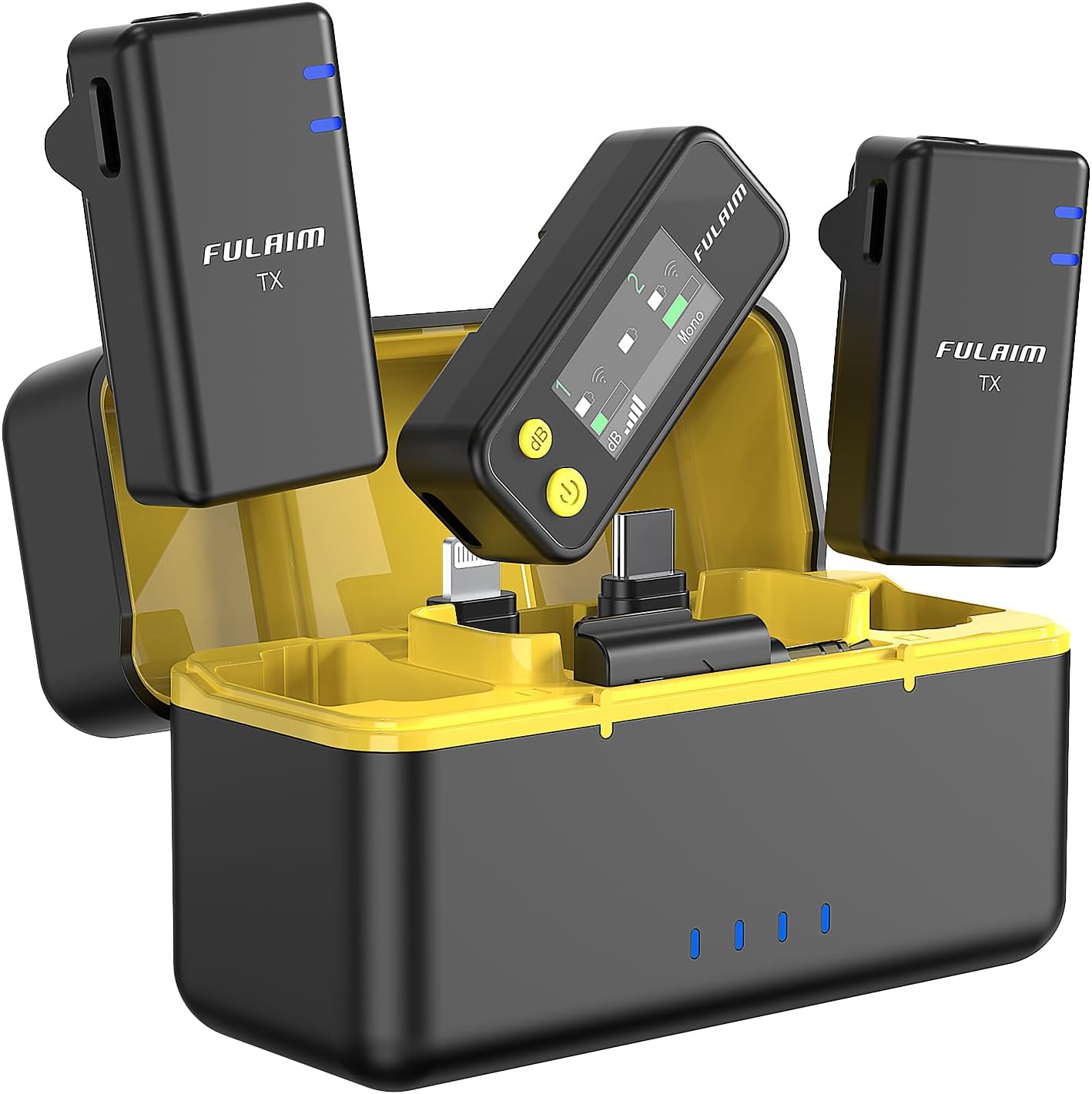
Top 5 Wireless Microphones for Live Translation: A Complete Guide
Discover the best wireless microphones optimized for professional translation work, based on real-world testing by our translation team.
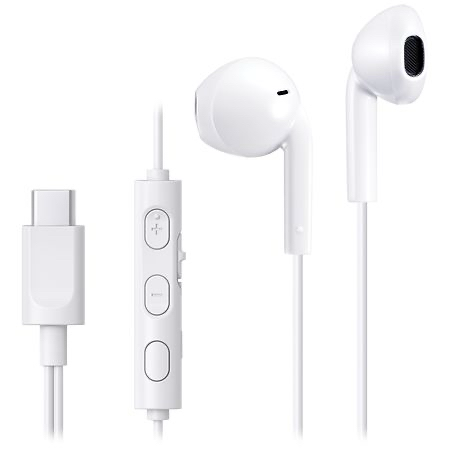
Best Headsets for Church Translation: Affordable Wired Headphones for Live Sermon Translation
Find the best affordable wired headsets for church live translation. Tips on choosing headsets that are easy to sanitize, USB-C compatible, and budget-friendly.
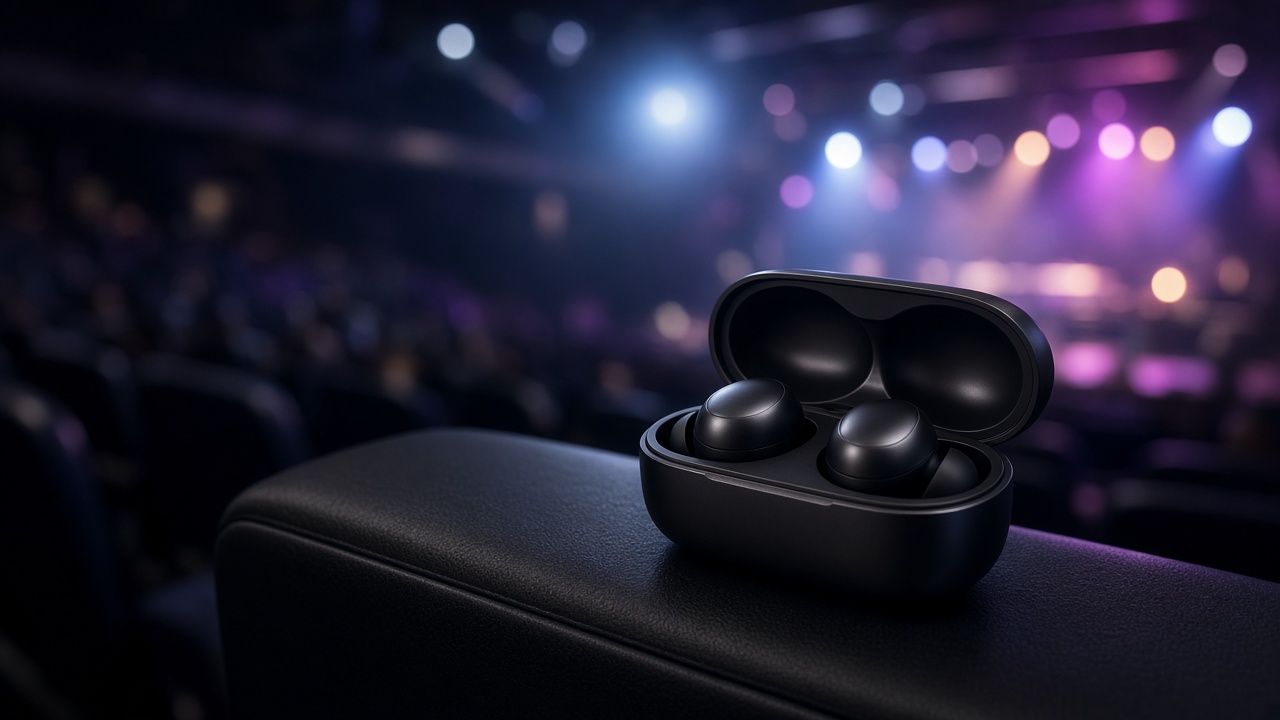
Best Earbuds for Live Event Translation: What Attendees Should Wear to Hear AI Translation
A practical buying guide to earbuds and headphones for listening to AI live translation at events and churches. Wired vs wireless, latency, comfort, budget picks, and when a shared wired headset is the better choice.
Live Translation and Loopback
Learn how to use Loopback audio routing to optimize your live translation setup
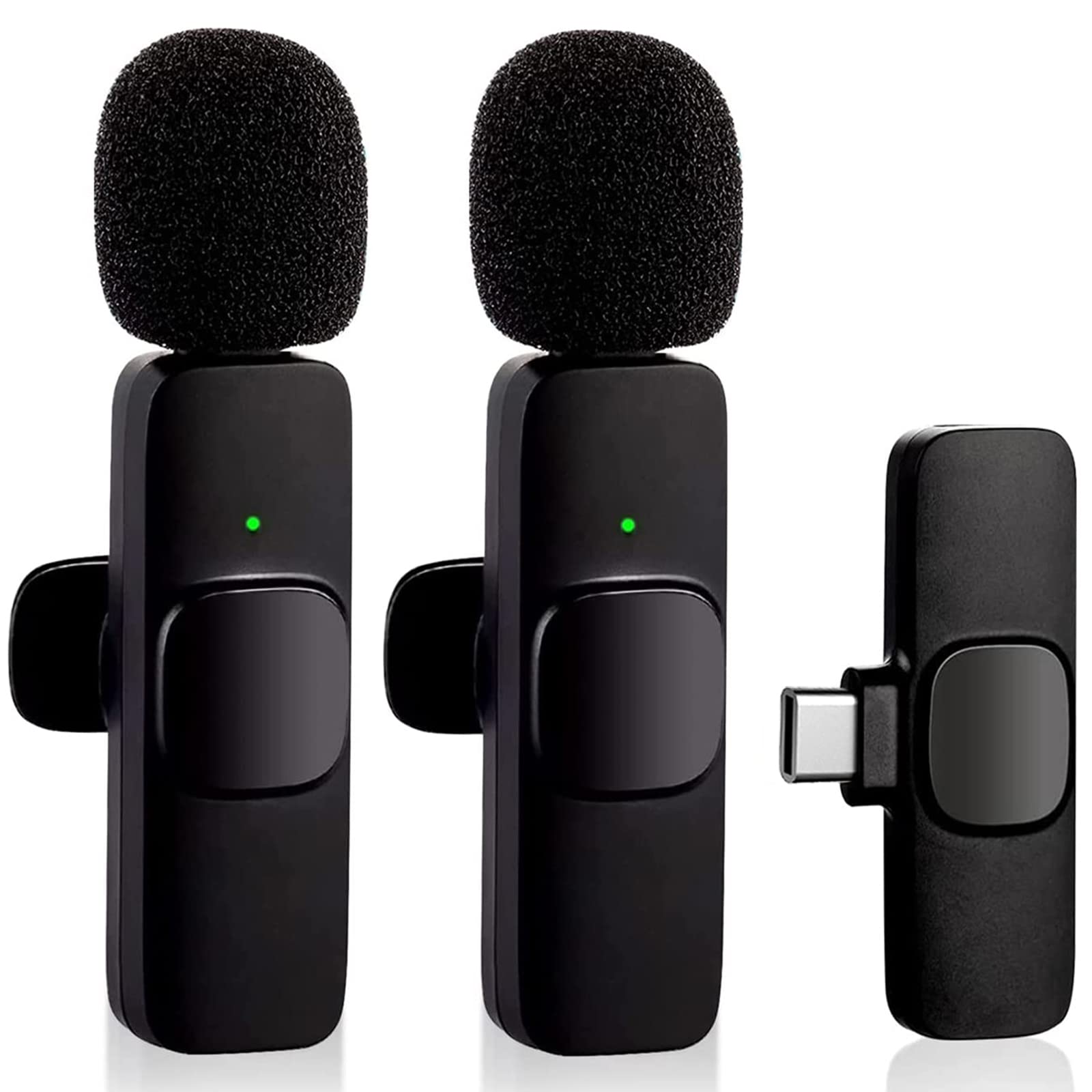
How to use a lavalier microphone
Get accurate real-time translation using a wireless microphone
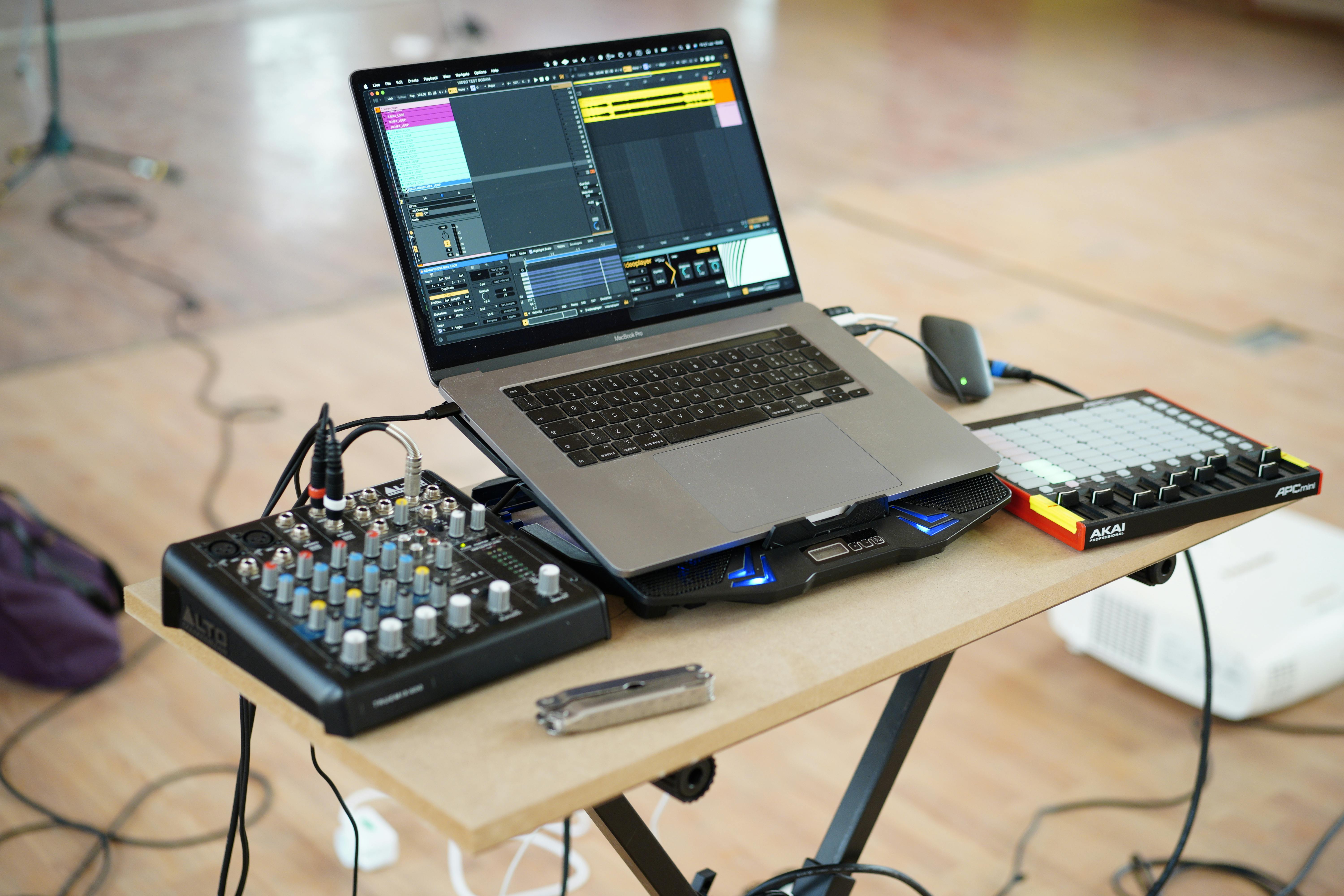
How to connect Hope Translator to a sound mixer
Capture high-quality audio from your sound system for professional events
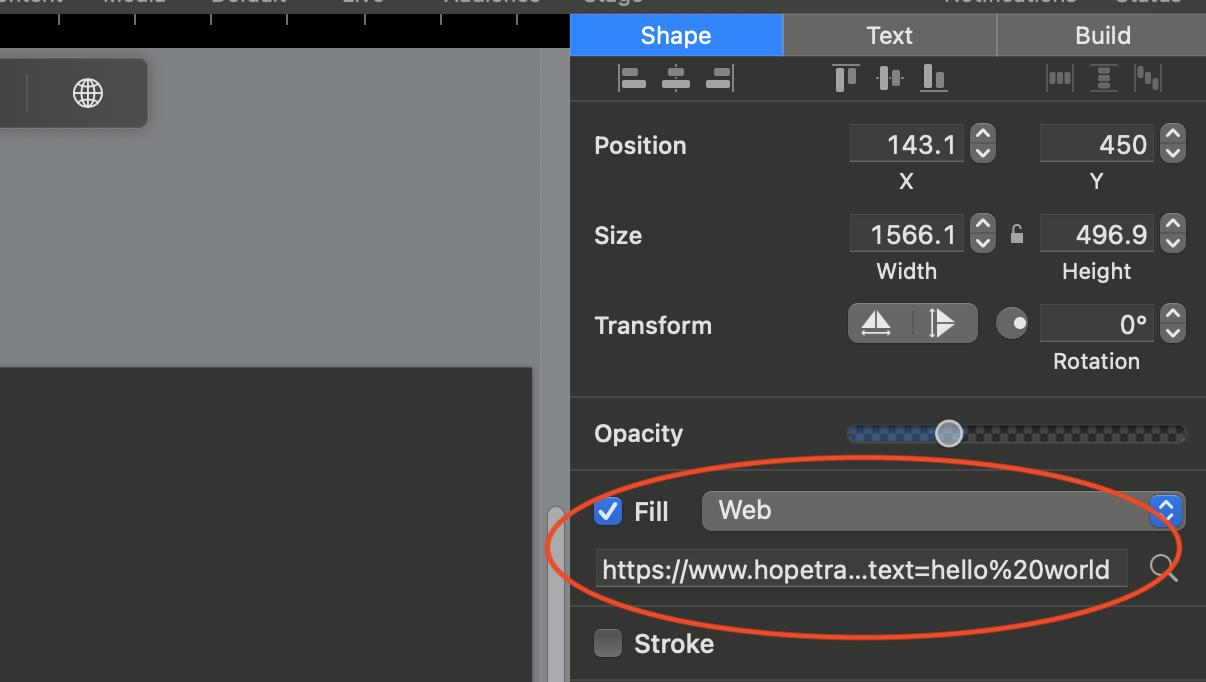
How to Connect Hope Translator with ProPresenter
Learn how to integrate Hope Translator with ProPresenter to display real-time subtitles and translations during your presentations, including display configuration and Web Fill usage

How to Connect Hope Translator with Zoom
Learn how to use Hope Translator with Zoom for real-time translation. Route Zoom meeting audio via loopback, then share the broadcast link or QR code so your audience can listen or read translations.
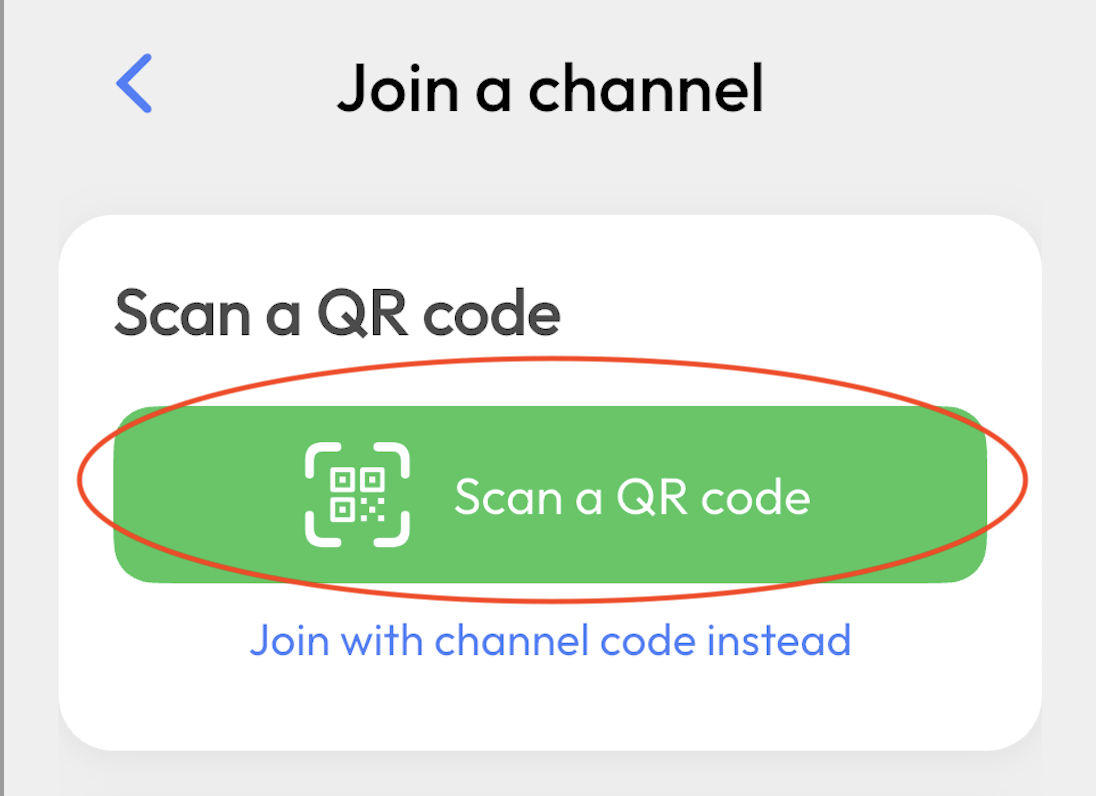
How to Share Live Translation with a QR Code: Step-by-Step Guide
Share live translation with a QR code in minutes. Start a Hope Translator broadcast, show or print the QR code, and let your audience scan, choose a language, and tap Listen. Includes slides, ProPresenter, foyer signs, and troubleshooting.
Use Cases

Using Hope Translator for Medical Visits
Learn how to use Hope Translator during doctor visits and share medical information with family members

Real-Time Captions for Deaf Attendees
Make your events accessible with real-time captions for deaf and hard-of-hearing attendees

How Hope Translator Assists Simultaneous Interpreters
Discover how Hope Translator can enhance your simultaneous interpretation work with real-time transcription and translation assistance

Translation Tools for Conferences
What to look for when choosing a real-time translation tool for your conference

Live Translation for Business Meetings
Include everyone in your business meetings with real-time transcription and translation. Simple setup, share on screen, download afterward.

Studying with Live Translation
Learn how to use Hope Translator for language learning and educational purposes
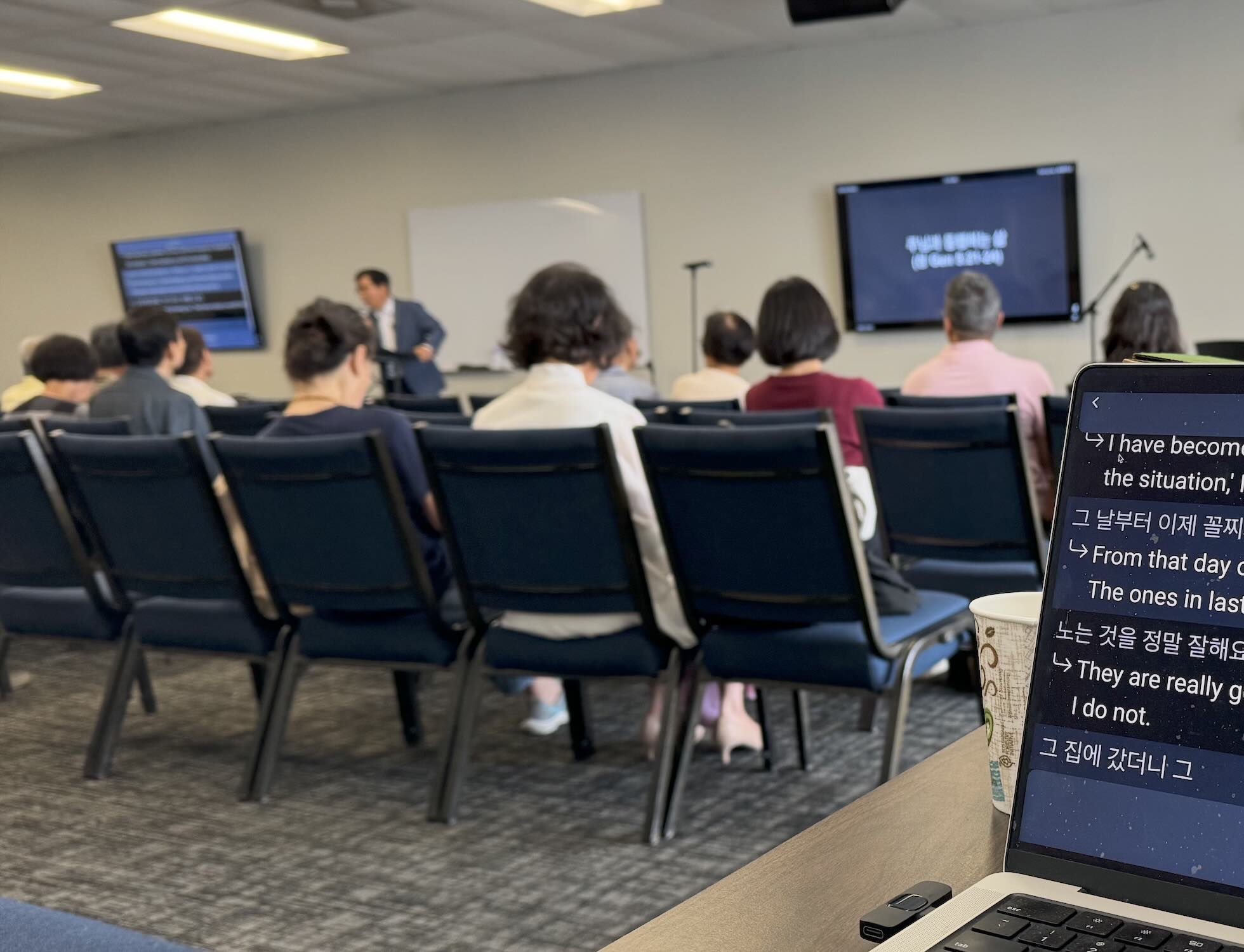
Success Story: Live Translation for a Small Korean Church
Discover how a small Korean church of 50 adults transformed their worship experience by implementing Hope Translator for live sermon translation, leading to growth and inclusion.

Success Story: Free ESL Classes That Welcomed International Students
Discover how a city church used Hope Translator QR codes to support free ESL classes for students from China, South Korea, and Mexico—and invited them into Sunday worship.
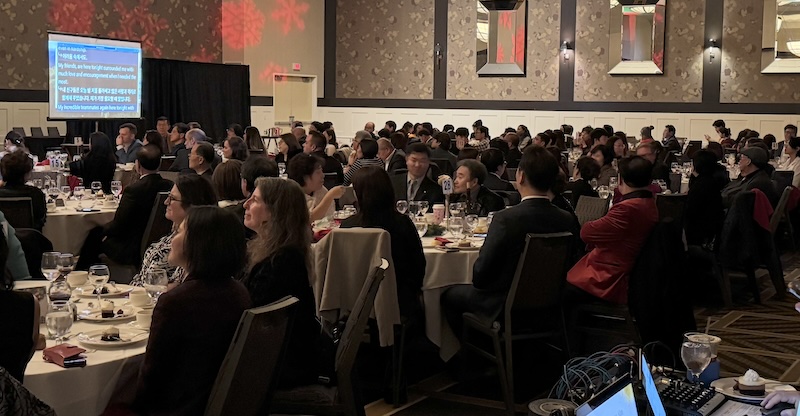
Success Story: How Event Organizers Turn Translation into Revenue
Discover how professional event organizers use Hope Translator to offer real-time captioning and translation services, creating new revenue streams while making events accessible to diverse audiences.
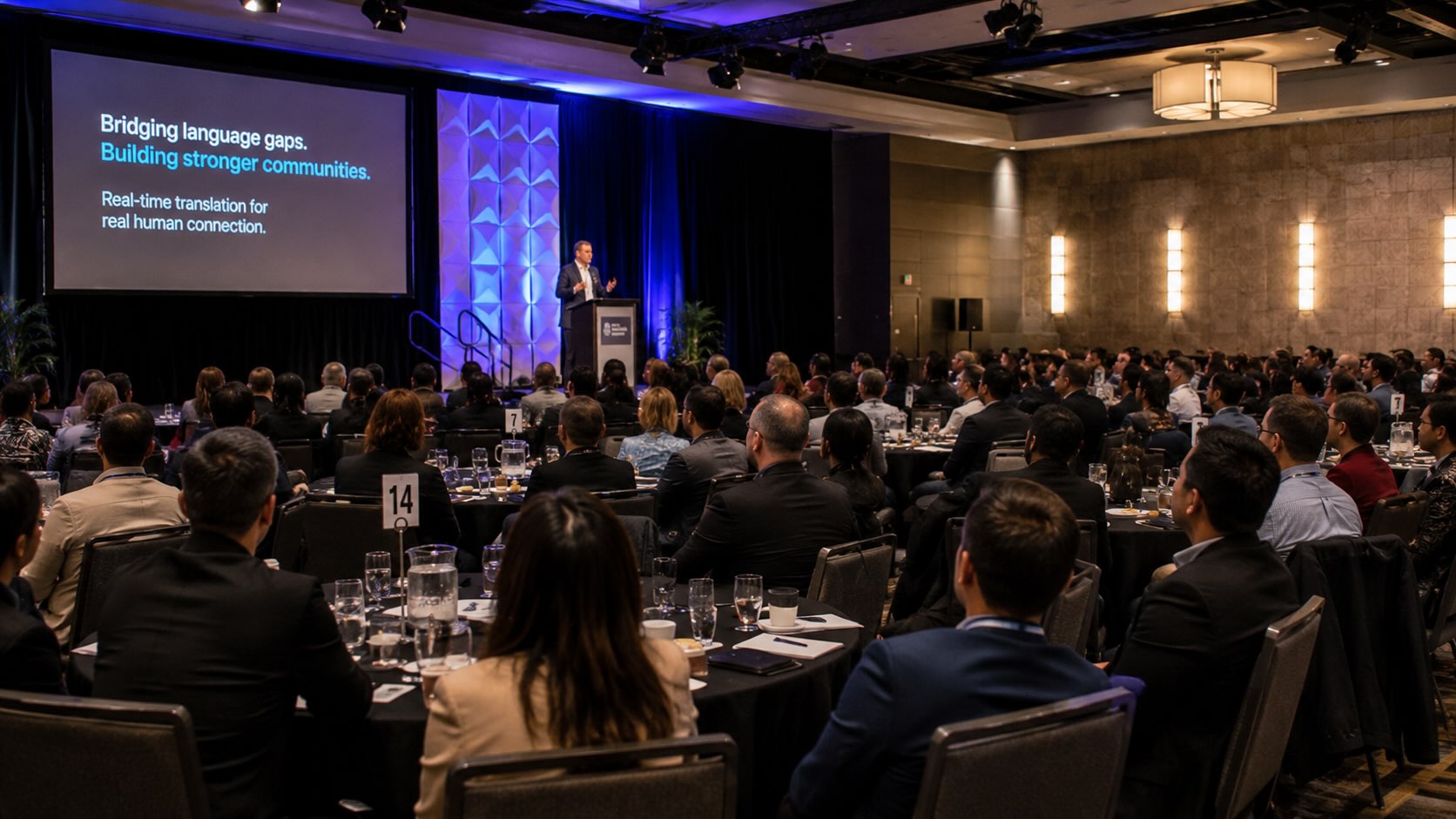
Hope Translator Reviews: What Churches and Conferences Say About Live Translation
Real Apple App Store reviews of Hope Translator from pastors, missionaries, and event teams—what they praise, what they compare it to, and the limits they name.

Live Translation App
Learn about the live AI translation app and how it works

How to Set Up Live Translation for a Wedding: Complete Guide
Learn how to set up live translation for weddings. Make your multilingual wedding ceremony and reception accessible to all guests with real-time translation.
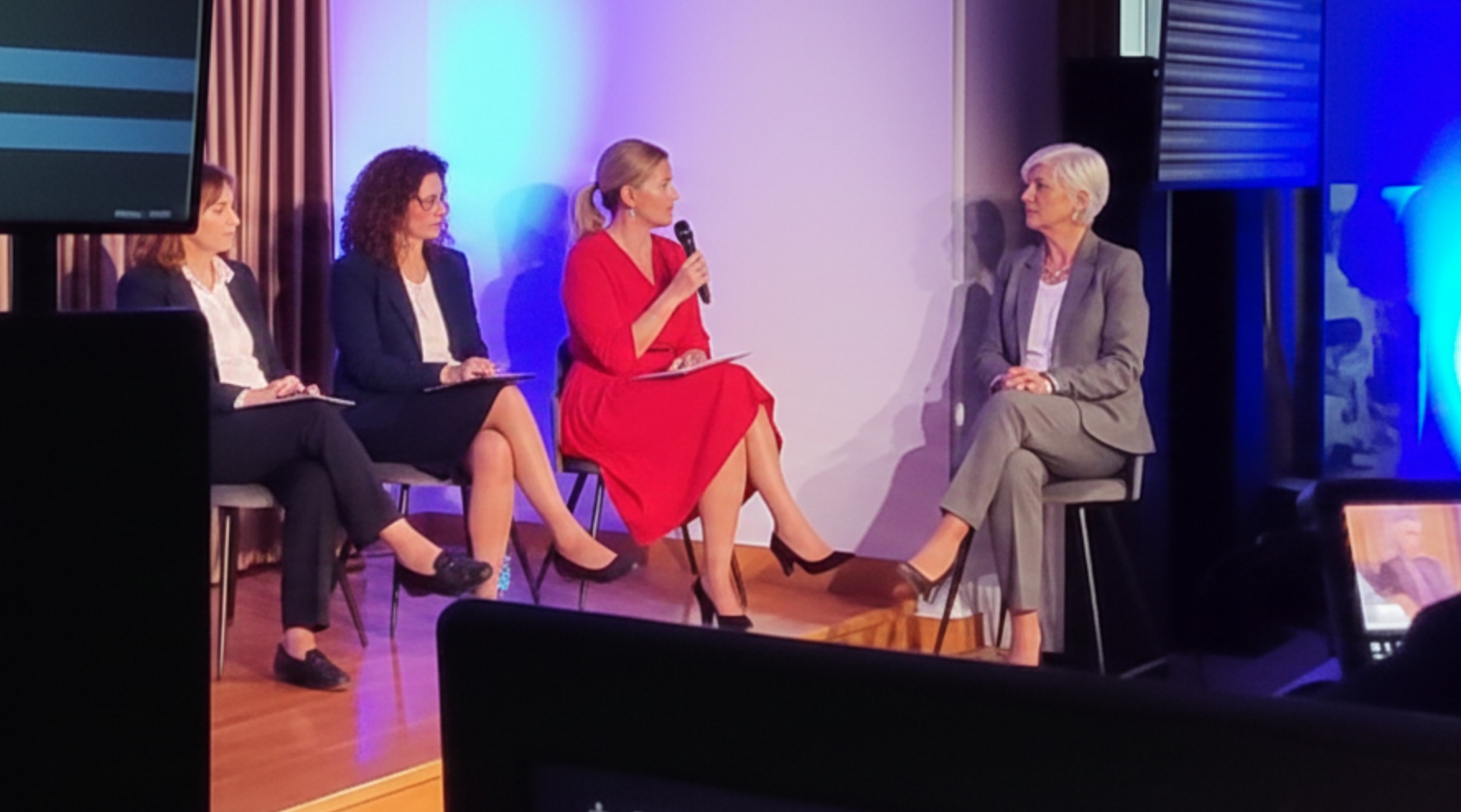
Live Event Translation: Making Your Events Accessible to Everyone
A guide to using live translation technology to make events accessible and inclusive for all attendees.

How Hope Translator Helps Missionaries: Breaking Language Barriers in the Field
Discover how Hope Translator empowers missionaries with real-time translation, broadcast features, and free basic tier access to reach diverse communities worldwide.
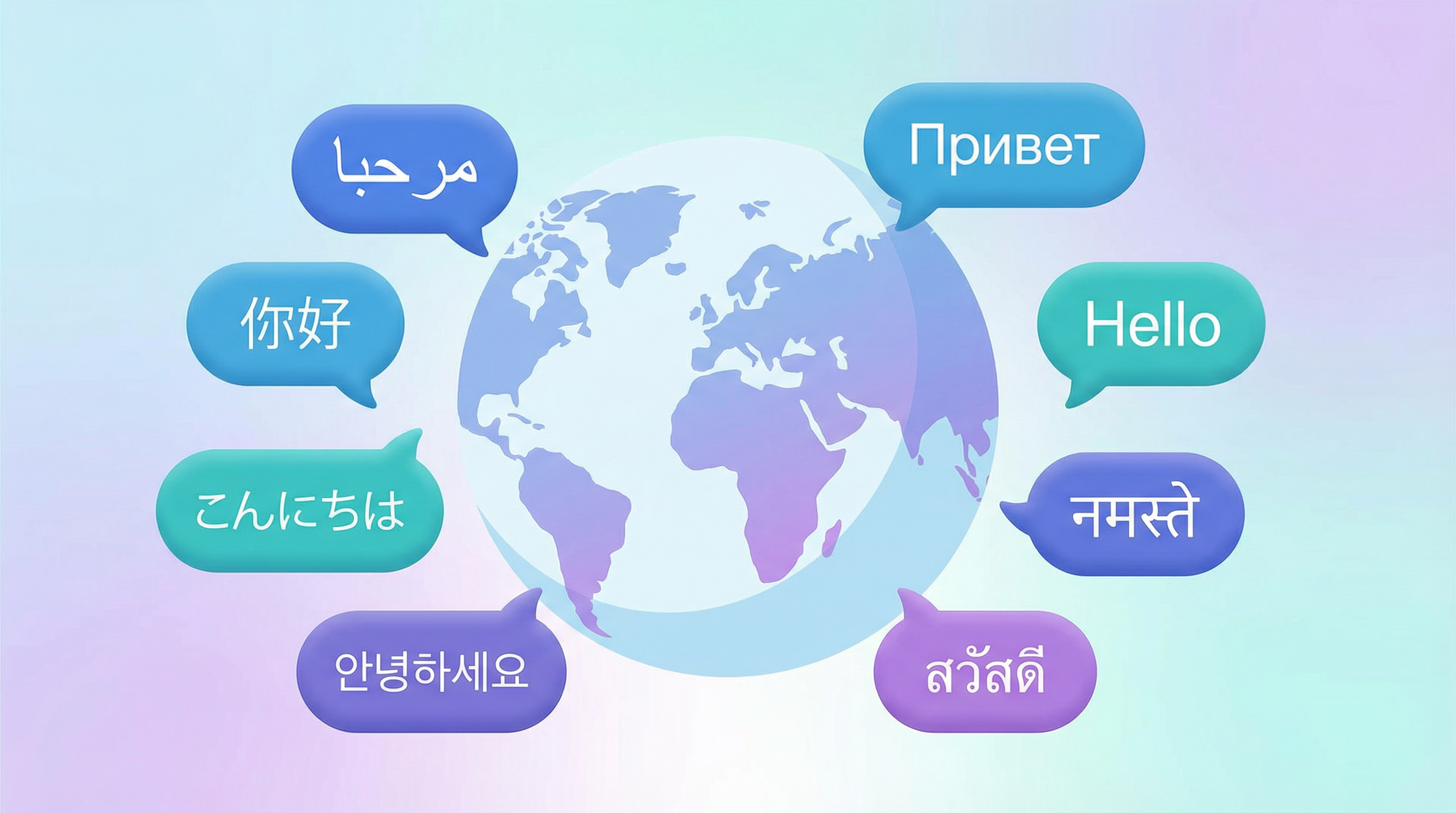
What Languages Does Hope Translator Support?
Find answers to which languages Hope Translator supports for live speech translation, including the full list of 44 languages and which ones include audio output.
Comparison & Analysis
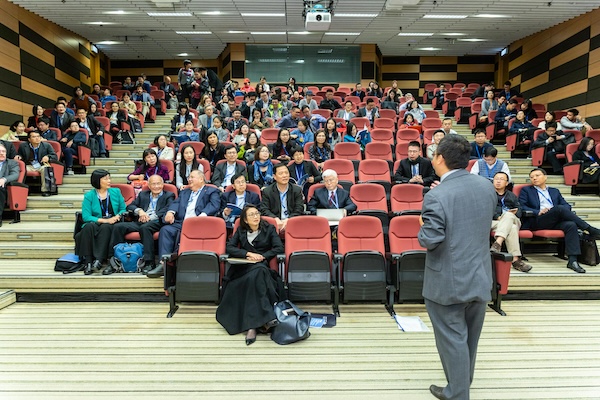
Live Translation vs Human Interpreter
Compare the benefits and use cases of AI-powered live translation versus traditional human interpreters

Comparing AI Translation Apps
Learn about different AI translation solutions and why we built Hope Translator

Google Translate vs Hope Translator: Why Pay When Google Is Free?
A comprehensive comparison of Google Translate and Hope Translator. Discover when free is enough, and when you need a professional live translation solution for events, broadcasts, and long-form content.

Hope Translator vs Interprefy: AI Broadcast Translation or Enterprise Event Interpretation?
Compare Hope Translator and Interprefy for live translation. See human vs AI interpretation, sales-led vs self-serve setup, QR audience join, church vs enterprise event fit, and when each is the better choice.

How Accurate Is AI Live Translation in 2026?
Learn how accurate AI live translation is in 2026, what affects speech-to-speech accuracy, and when Hope Translator is reliable enough for churches, events, and meetings.

Mobile App vs Web App Comparison
Understand the key differences between Hope Translator's mobile and web applications
How Much Does Live Translation Cost? Complete Pricing Guide 2025
Discover live translation costs and pricing. Compare AI translation vs human interpreters, free vs paid options, and find the most affordable live translation solution for your needs.

Affordable Live Translation Pricing: Compare Top 10 Services - Hope Translator vs Competitors
Discover the most affordable live translation services. Compare Hope Translator ($19.99/month) vs Wordly AI, OneAccord, SyncWords, and 7 other providers. See why Hope Translator offers the best value for churches, events, and conferences with transparent pricing starting at just $19.99/month.