How to Set Up Live Translation for a Wedding: Complete Guide
Planning a wedding with guests who speak different languages? Live translation can ensure everyone understands your vows, speeches, and special moments. This guide shows you exactly how to set up live translation for your wedding ceremony and reception, making your special day accessible to all your loved ones.
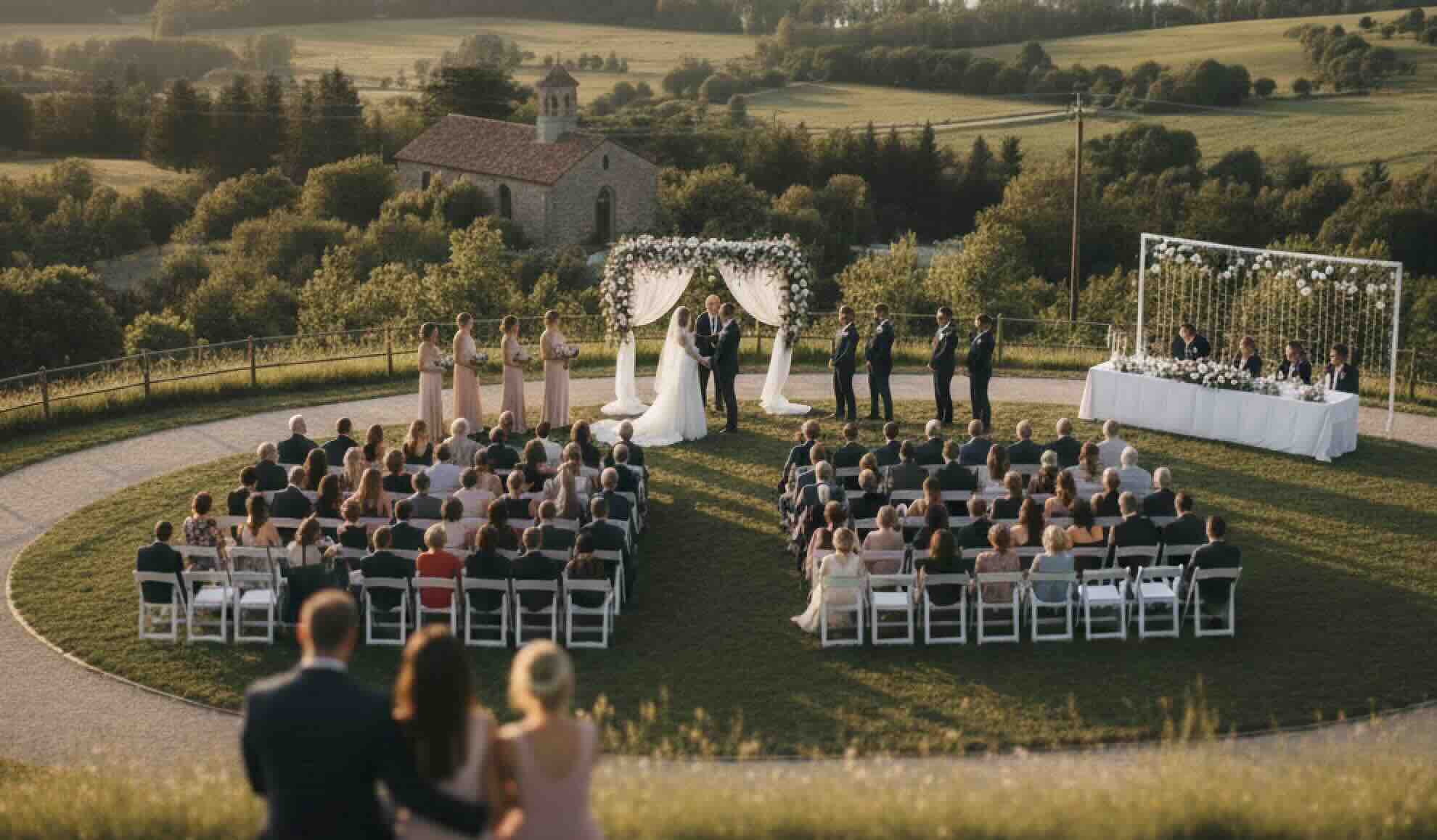
Why You Need Live Translation for Your Wedding
Modern weddings often bring together families and friends from different countries and cultures. Live translation helps you:
- Include everyone - All guests understand vows, speeches, and toasts
- Create inclusive atmosphere - No one feels left out due to language barriers
- Honor both families - Serve multilingual families equally
- Capture every moment - Everyone experiences the emotion and meaning
- Professional presentation - Polished, elegant solution
- Memorable experience - Guests remember your thoughtful inclusion
Whether you're having a bilingual ceremony, welcoming international guests, or serving diverse families, live translation ensures your wedding day is meaningful for everyone.
Planning Your Wedding Translation Setup
Step 1: Identify Your Translation Needs
Before setting up, determine:
Languages Needed:
- What languages do your guests speak?
- How many languages do you need to support?
- Are there multiple languages or just one additional language?
Event Components:
- Ceremony (vows, readings, officiant)
- Reception (speeches, toasts, announcements)
- Both ceremony and reception
Guest Count:
- How many guests need translation?
- Will it be displayed on screens or personal devices?
Venue Considerations:
- Indoor or outdoor?
- Internet/WiFi availability?
- Sound system available?
- Screen/projection available?
Step 2: Choose Your Translation Method
Option 1: Screen Display (Best for Ceremonies)
- Display translations on main screens
- All guests can see simultaneously
- Professional presentation
- Best for: Ceremonies, large receptions
Option 2: Personal Devices (Best for Receptions)
- Guests use their smartphones
- Each person chooses their language
- More intimate, less intrusive
- Best for: Receptions, smaller gatherings
Option 3: Hybrid Approach (Best Overall)
- Screen display for ceremony
- Personal devices for reception
- Maximum flexibility
- Best for: Full wedding day coverage
Setting Up Live Translation: Step-by-Step Guide
Quick Setup (30 Minutes Before Ceremony)
Perfect for: Last-minute setup, simple ceremonies, small weddings
What You Need:
- Smartphone or tablet
- Hope Translator account (free tier works!)
- Stable internet connection (WiFi or mobile data)
Steps:
-
Download Hope Translator (if using mobile app)
- Download for iOS
- Download for Android
- Or use web app at hopetranslator.com
-
Create Account (takes 2 minutes)
- Sign up at hopetranslator.com
- No credit card required for free tier
- Instant access
-
Start Broadcast Session
- Open Hope Translator
- Click "Start Broadcast"
- Session begins immediately
-
Get QR Code
- QR code appears automatically
- Save it or screenshot for sharing
-
Share with Guests
- Display QR code at ceremony entrance
- Include in wedding program
- Send via text/email before event
- Post at reception tables
-
Begin Speaking
- Start your ceremony or speeches
- Translations appear automatically
- Guests see translations in real-time
That's it! Your wedding translation is live.
Professional Setup (For Larger Weddings)
Perfect for: Large weddings, formal ceremonies, venues with AV equipment
What You Need:
- Laptop or tablet
- Hope Translator account
- Sound system (optional but recommended)
- Projection screen (optional)
- WiFi connection
Steps:
-
Set Up Audio Input
- Connect laptop to venue sound system (if available)
- Or use laptop's built-in microphone
- Test audio quality before ceremony
- See our audio setup guide for best practices
-
Start Broadcast Session
- Open Hope Translator web app
- Start broadcast session
- Select source language (your language)
-
Set Up Screen Display (Optional)
- Open viewer link in separate browser tab
- Share that tab to projection screen
- Translations display on main screen
- See our screen sharing guide for details
-
Prepare QR Codes
- Print QR codes for guest access
- Display at ceremony entrance
- Include in wedding programs
- Place at reception tables
-
Test Before Ceremony
- Test 15-30 minutes before start
- Verify audio quality
- Check translations appear correctly
- Ensure WiFi is stable
-
Assign Helper
- Have someone monitor during ceremony
- Can restart if needed (rarely necessary)
- Keep laptop/device charged
Setup for Different Wedding Components
Ceremony Translation Setup
Best Approach: Screen display + personal devices
Setup:
- Position device/laptop near officiant or sound system
- Display translations on main screen (if available)
- Also provide QR code for personal devices
- Start session 5 minutes before ceremony
- Test audio pickup before guests arrive
Key Moments to Translate:
- Vows exchange
- Readings and passages
- Officiant's words
- Special announcements
Tips:
- Place microphone/device close to speakers
- Use quiet moment before ceremony to test
- Have backup plan (second device ready)
- Keep device charged
Reception Translation Setup
Best Approach: Personal devices (QR code access)
Setup:
- Display QR codes at each table
- Include in table settings or programs
- Guests scan and join on their phones
- Each person selects their language
- Translations appear during speeches/toasts
Key Moments to Translate:
- Welcome speeches
- Toasts
- Thank you speeches
- Announcements (first dance, cake cutting, etc.)
Tips:
- Place QR codes prominently
- Include brief instructions
- Have someone available to help guests
- Test with a few guests before speeches begin
Vow Exchange Translation
Special Setup for Bilingual Vows:
If you're exchanging vows in two languages:
- Option 1: Speaker says vows in their language, guests see translation
- Option 2: Display both languages simultaneously
- Option 3: Have vows pre-translated and display during exchange
Setup:
- Position device near couple
- Ensure clear audio pickup
- Display on screen if possible
- Also provide personal device access
Equipment and Technical Requirements
Minimal Setup (No Additional Equipment)
What You Need:
- Smartphone or tablet
- Hope Translator app
- Internet connection (WiFi or mobile data)
Perfect for: Small weddings, outdoor ceremonies, last-minute setup
Professional Setup (With AV Equipment)
What You Need:
- Laptop
- Sound system connection (optional)
- Projection screen (optional)
- WiFi connection
Perfect for: Large weddings, formal venues, professional presentation
Audio Equipment Options
Basic:
- Built-in device microphone
- Works well for small-medium venues
- Free - uses existing device
Enhanced:
- Wireless lavalier microphone
- Better audio quality
- More mobility for speakers
- See our microphone guide
Professional:
- Connect to venue sound system
- Best audio quality
- See our mixer connection guide
Pre-Wedding Checklist
One Week Before
- [ ] Create Hope Translator account
- [ ] Test the service with sample speech
- [ ] Identify all languages needed
- [ ] Confirm WiFi availability at venue
- [ ] Decide on setup method (screen vs devices)
- [ ] Prepare QR codes for printing
- [ ] Assign helper to monitor during event
Day Before
- [ ] Charge all devices
- [ ] Download Hope Translator app (if using mobile)
- [ ] Test internet connection at venue (if possible)
- [ ] Print QR codes
- [ ] Prepare backup device
- [ ] Brief helper on how to use
Day Of
- [ ] Arrive early to set up
- [ ] Test audio quality
- [ ] Start broadcast session
- [ ] Display QR codes prominently
- [ ] Test with a few guests
- [ ] Keep devices charged
- [ ] Monitor during ceremony/reception
Common Wedding Translation Scenarios
Scenario 1: Bilingual Ceremony
Situation: Couple speaks different languages, want vows in both languages
Solution:
- Set up Hope Translator
- Display translations on screen
- Each person says vows in their language
- Guests see translation of other person's vows
- Both languages displayed simultaneously
Result: Everyone understands both sets of vows perfectly
Scenario 2: International Guests
Situation: Many guests from different countries, various languages
Solution:
- Set up Hope Translator broadcast
- Provide QR codes to all guests
- Each guest selects their preferred language
- Support multiple languages simultaneously
Result: All international guests can follow along in their language
Scenario 3: Family Language Barriers
Situation: One family speaks English, other speaks Spanish (or other language)
Solution:
- Set up Hope Translator
- Display on screen + personal devices
- Support both languages
- All speeches and vows translated
Result: Both families fully included and engaged
Scenario 4: Outdoor Wedding
Situation: Outdoor ceremony, limited WiFi, no AV equipment
Solution:
- Use mobile app with mobile data
- Personal devices only (no screen)
- QR codes for guest access
- Battery pack for device
Result: Works perfectly even without venue infrastructure
Tips for Success
Audio Quality Tips
- Position device close to speakers - Better audio = better translation
- Use quiet moments to test - Verify before ceremony starts
- Minimize background noise - Choose quieter location for device
- Consider wireless microphone - For better mobility and quality
Sharing Tips
- Display QR codes prominently - Make them easy to find
- Include in wedding program - Guests have it in writing
- Announce availability - Let guests know translations are available
- Provide brief instructions - Help first-time users
Technical Tips
- Test before ceremony - Don't wait until last minute
- Have backup device - Always have a plan B
- Keep devices charged - Bring chargers/battery packs
- Monitor during event - Have helper check it's working
- Stable internet - Use WiFi when possible, mobile data as backup
Guest Experience Tips
- Make it easy - Simple QR code scan
- Be welcoming - Help guests who need assistance
- Test with guests - Try with a few people before ceremony
- Provide instructions - Brief guide for first-time users
Real Wedding Success Stories
Bilingual Wedding Ceremony
A couple with English and Spanish-speaking families used Hope Translator for their ceremony:
- Vows exchanged in both languages
- All family members understood everything
- Emotional moments shared by everyone
- Professional, elegant presentation
- Cost: Fraction of human interpreter fees
Conclusion: Making Your Wedding Accessible to All
Live translation ensures your wedding day is meaningful for everyone, regardless of language. With Hope Translator, setting up professional translation is:
✅ Easy - Set up in 30 minutes or less
✅ Affordable - Free tier available, much cheaper than interpreters
✅ Reliable - Works consistently throughout your event
✅ Professional - Polished, elegant presentation
✅ Flexible - Works for ceremonies, receptions, or both
✅ Inclusive - Makes everyone feel welcome and included
Ready to make your wedding accessible to all your guests?
- Try Hope Translator free - Sign up at hopetranslator.com
- Test before your wedding - Try it with a sample speech
- Contact us - Get help with your specific setup
Don't let language barriers prevent your loved ones from fully experiencing your special day. Set up live translation and ensure everyone understands every meaningful moment.
Make your wedding day memorable for everyone, regardless of language. Hope Translator helps you create an inclusive, accessible celebration.