How to Use Hope Translator Broadcast Mode with a Lavalier Microphone
Hope Translator's Broadcast Mode is designed for live speech-to-text translation, making it perfect for conferences, church sermons, and events. For the best audio quality and accurate translation, using a lavalier microphone can significantly improve speech clarity. Audience members can easily join the broadcast by scanning a QR code, allowing them to select their preferred language for translation in real time. This guide will walk you through setting up and using Hope Translator with a lavalier microphone.
Why Use a Lavalier Microphone?
A lavalier microphone (also known as a lapel mic) is a small, clip-on microphone that provides clear, hands-free audio. It helps minimize background noise and ensures consistent sound quality, which is crucial for accurate real-time translation.
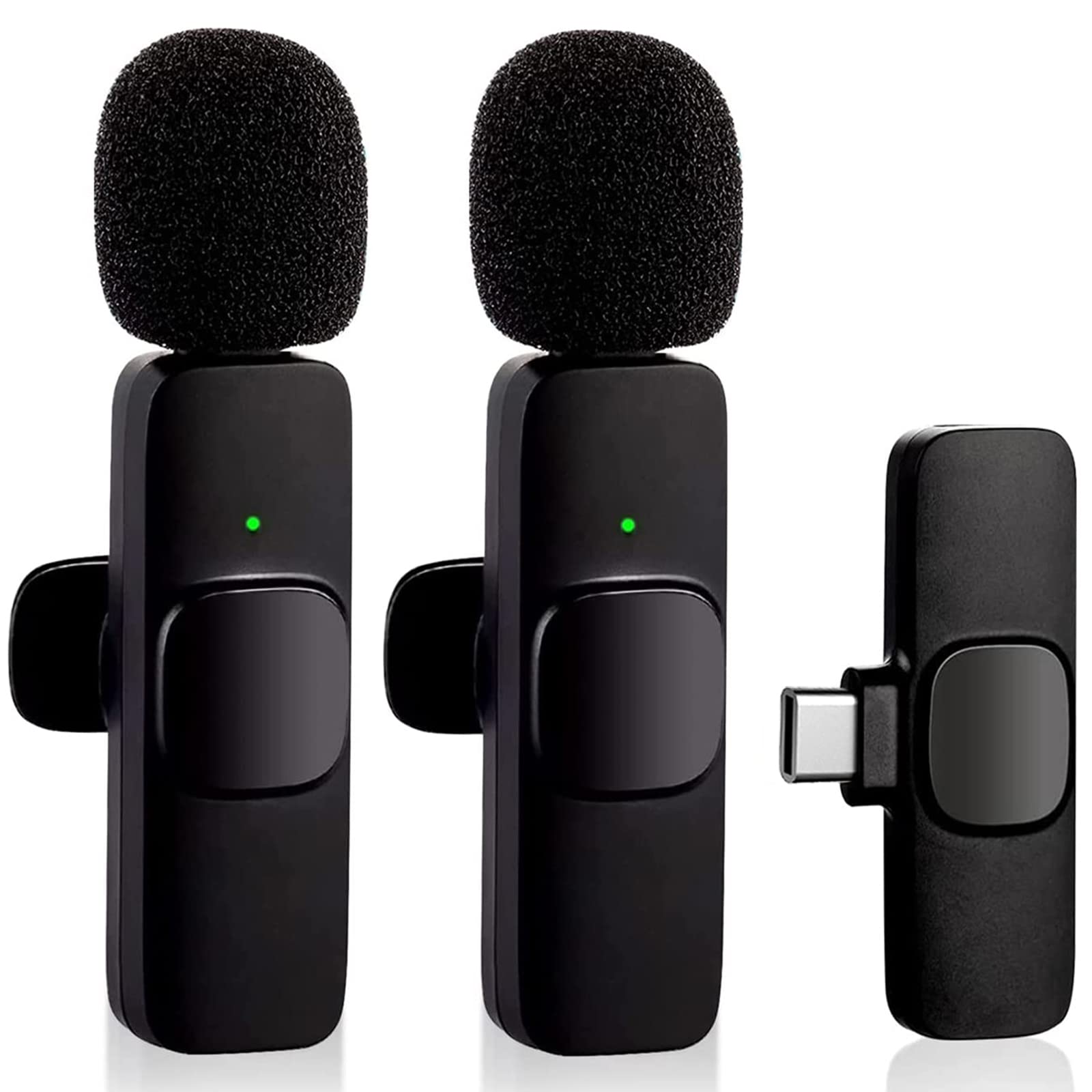
What You'll Need
- A lavalier microphone (wired or wireless)
- A smartphone, tablet, or computer
- A compatible audio adapter (if needed for your device)
- A stable internet connection
Step-by-Step Guide
1. Connect the Lavalier Microphone
Depending on your device, connect the lavalier microphone using one of these methods:
- For smartphones/tablets with a headphone jack: Plug the microphone directly into the 3.5mm jack.
- For smartphones without a headphone jack: Use a USB-C or Lightning adapter to connect the microphone.
- For wireless lavalier microphones: Pair the microphone with your device via Bluetooth or use a receiver connected via USB.
2. Open Hope Translator & Select Broadcast Mode
- Launch the Hope Translator app on your device.
- Tap on Broadcast Mode to enter the live translation mode.
3. Configure the Audio Input
- Make sure your device recognizes the lavalier microphone as the primary input source.
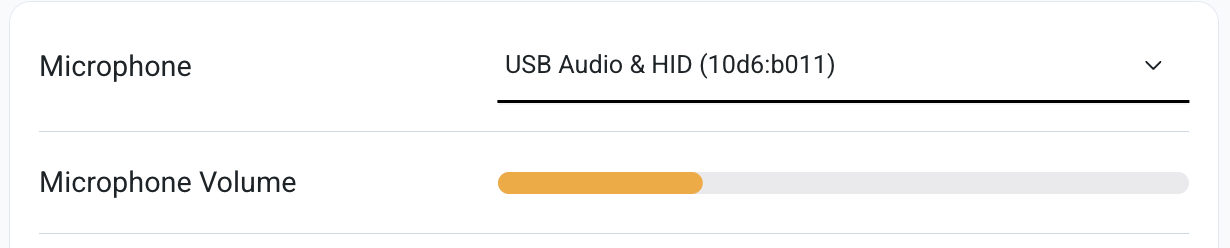
- Make sure to test the sound input using the volume indicator.
4. Start Speaking
- Clip the lavalier microphone to your collar or lapel, positioning it about 6–8 inches from your mouth.
- Speak clearly and at a moderate pace for optimal translation accuracy.
- Hope Translator will capture your speech and provide real-time text translation on-screen.
5. Share the Translated Text
- In Broadcast Mode, the translated text can be displayed on an external screen or shared via a projector, web link, or streaming platform.
- Ensure participants have access to the translated text for a seamless experience.
Tips for Best Results
- Use a high-quality lavalier microphone with noise cancellation for better clarity.
- Test the audio levels before starting a live event.
- Minimize background noise by using a windshield or noise-canceling mic.
- Maintain a consistent speaking pace for better real-time translation.
Conclusion
Using a lavalier microphone with Hope Translator's Broadcast Mode enhances the accuracy and clarity of speech-to-text translation, making it ideal for live events. Whether you're speaking at a conference, sermon, or lecture, this setup ensures your message is conveyed effectively to a multilingual audience.
Ready to get started? Try it now and elevate your live translation experience!