How to Listen to Live Translation
Hope Translator's live translation feature enables real-time multilingual communication, perfect for international meetings, sermons, presentations, and events. The AI-generated human-like voice listening feature is available on both web and mobile, providing natural-sounding translations in real-time. Benefits include instant access without downloads on web, channel memory on mobile for easy reconnection, and high-quality audio that makes translations feel natural and easy to understand. For the best listening experience, see our guide on best listening headsets for church live translation.
First, start a broadcast to share live transcription and translation with others in real time.
How to Listen
You have two options for listening to live translations:
Option 1: Web (No Download Needed)
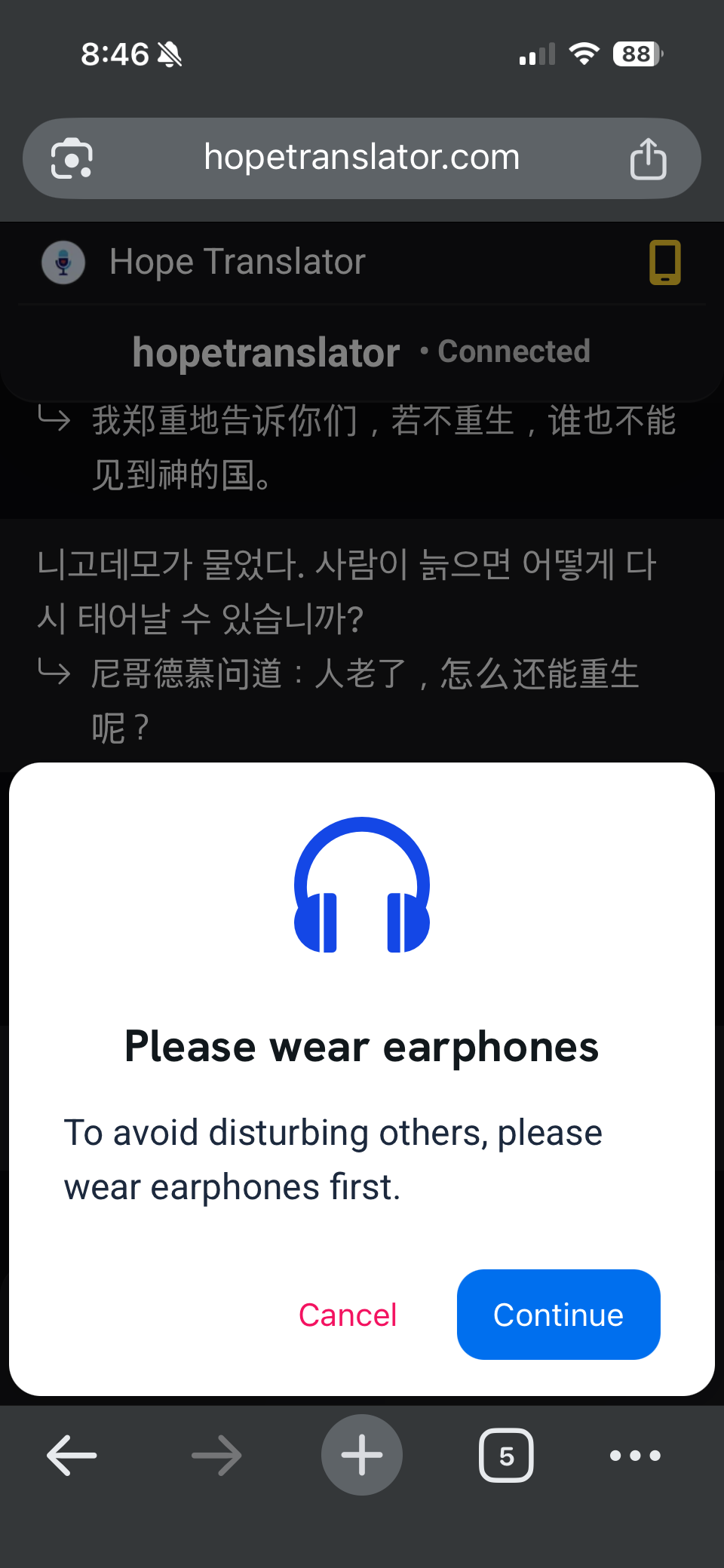
The web interface allows you to listen to live translations directly in your browser without any downloads:
- Join the broadcast: Scan the QR code or click the shared link from the broadcaster
- Select your language: Choose your preferred output language
- Start listening: Click the "Listen" button to begin receiving real-time translations
The web option is convenient and requires no installation, making it perfect for quick access to live translations.
Option 2: Mobile App
The mobile app provides an enhanced listening experience with additional benefits:
- Download the app: Get the Hope Translator mobile app from /download (available for iOS and Android)
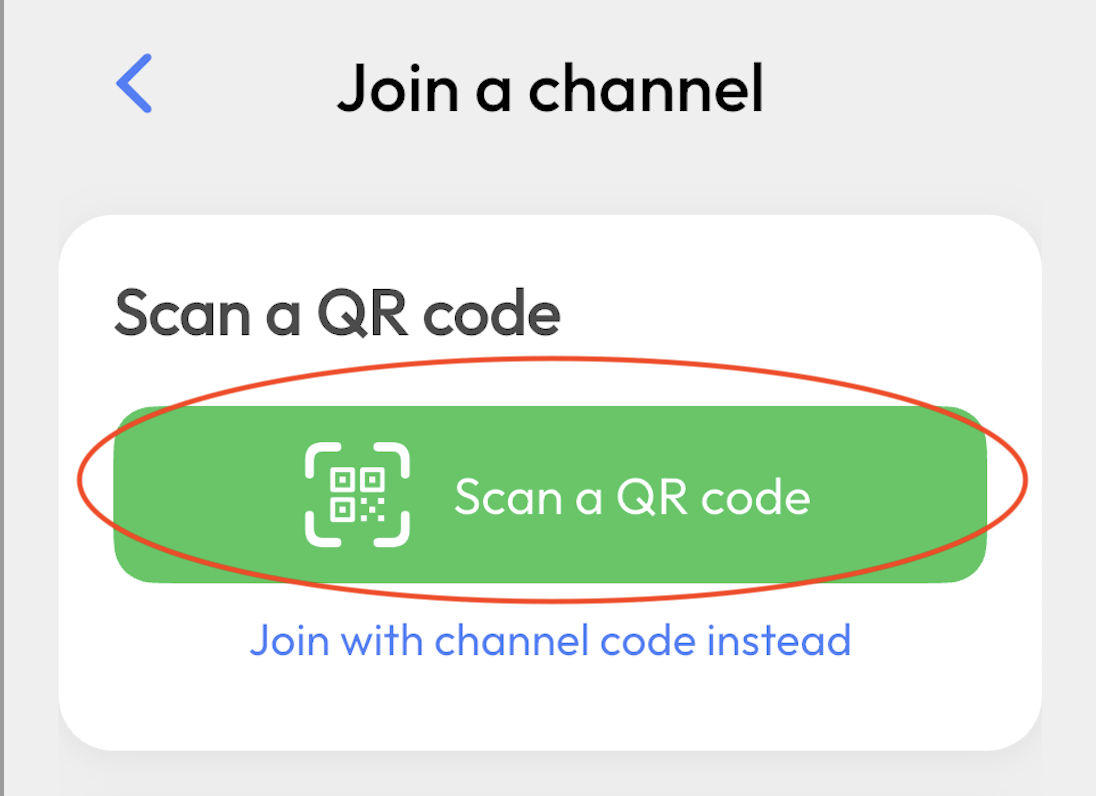
- Join the broadcast: Open the app, scan the QR code or enter the session code
- Select your language: Choose your preferred output language
- Start listening: Tap the "Listen" button to begin receiving real-time translations
Key benefit: The mobile app remembers your previous channels, making it easy to reconnect to broadcasts you've joined before.
Once connected, you'll experience seamless live translation with:
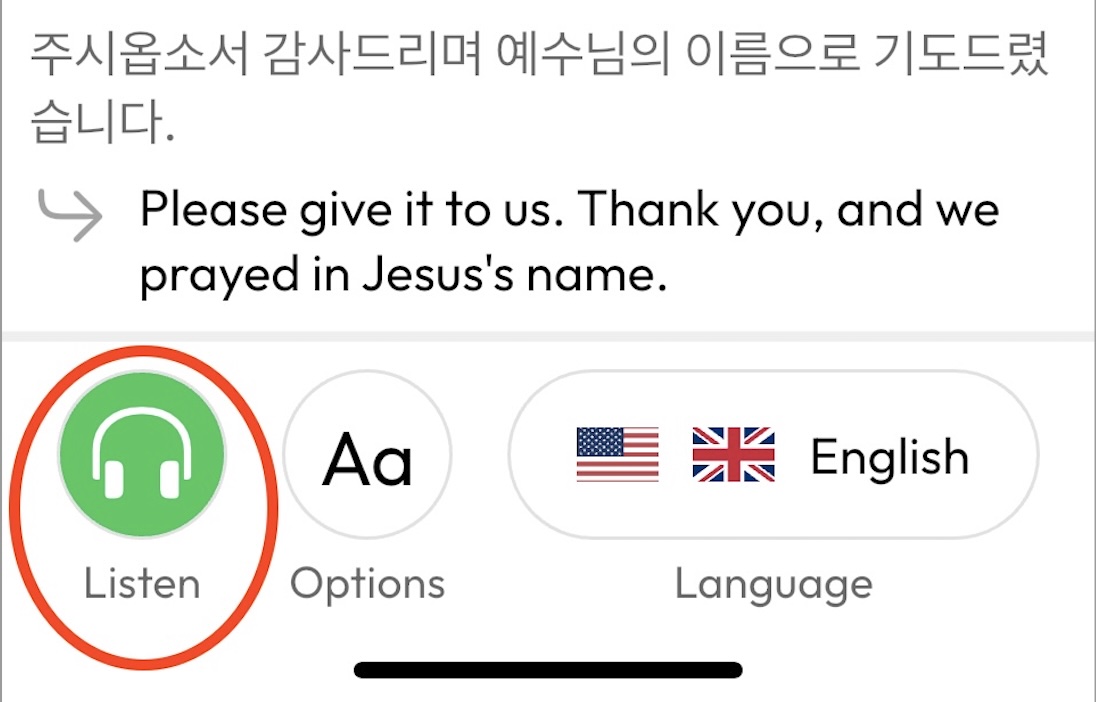
- Real-time audio: Hear translations as they happen
- High-quality audio: Crystal clear sound for optimal comprehension
Listen by language
Looking for a specific language pair? These guides cover the same listening steps with language-focused examples:
- English to Spanish
- English to Korean
- English to Portuguese
- English to Chinese
- English to Vietnamese
- English to German
- English to French
- English to Italian
- English to Japanese
Ready to Get Started?
Experience seamless live translation today! Whether you're joining a broadcast on web or mobile, Hope Translator makes it easy to connect and listen in your preferred language. Start listening now or download the mobile app to begin your multilingual communication journey.
Best Practices for Live Translation
- Ensure a stable internet connection
- Use a high-quality microphone for clear audio
- Test your microphone and speakers before starting
Troubleshooting Common Issues
Connection Problems
- Check your internet connection on both web and mobile devices
- Ensure the QR code is clearly visible and well-lit
- Try refreshing the web page if the QR code doesn't appear
- Restart the mobile app if connection fails
Audio Issues
- Verify your web browser's microphone permissions
- Check that your microphone is working in other applications
- Ensure the volume is turned up on your computer
- Try using a different microphone if available
Need Help?
If you encounter any issues with live translation:
- Check our troubleshooting guide
- Contact our support team
- Schedule a demo to see live translation in action
Ready to experience seamless live translation? Visit hopetranslator.com to get started with your first live translation session!