Live Meeting Translation — Free to Try

Start now: Open hopetranslator.com to try live meeting translation in your browser, or download the free app for iOS and Android.
Hope Translator provides live meeting translation: one host speaks (or feeds audio from Zoom/Teams), and attendees get real-time captions and AI voice in their language—no human interpreter required. Free to try.
Searching for live meeting translation, real-time translator for meetings, dịch cuộc họp, or dịch trực tiếp cuộc họp? This is the tool-intent page—try it first, then follow the steps below.
Two ways to use it in a meeting
- Broadcast (one → many) – The host speaks or routes meeting audio into Hope Translator; attendees scan a QR / open a link, then read captions or tap Listen. No app download required to listen on the web.
- Conversation (face-to-face) – For a few people at the same table, use solo / conversation mode on mobile for fast back-and-forth translation.
Need a deeper virtual-meeting setup (Loopback, screen share)? See Online meetings and live translation.
How to translate a live meeting
Step 1: Host starts a broadcast
- Sign in on hopetranslator.com or the app.
- Create / open a broadcast channel and start the session.
- Speak into a mic, or connect audio from Zoom / Teams / Google Meet (see Zoom and Microsoft Teams).
To practice with sample audio first: How to start a demo broadcast.
Step 2: Share a QR code or link
- Show the QR on the room display or paste the link in Zoom/Teams chat.
- Attendees open it in a browser—no account required.
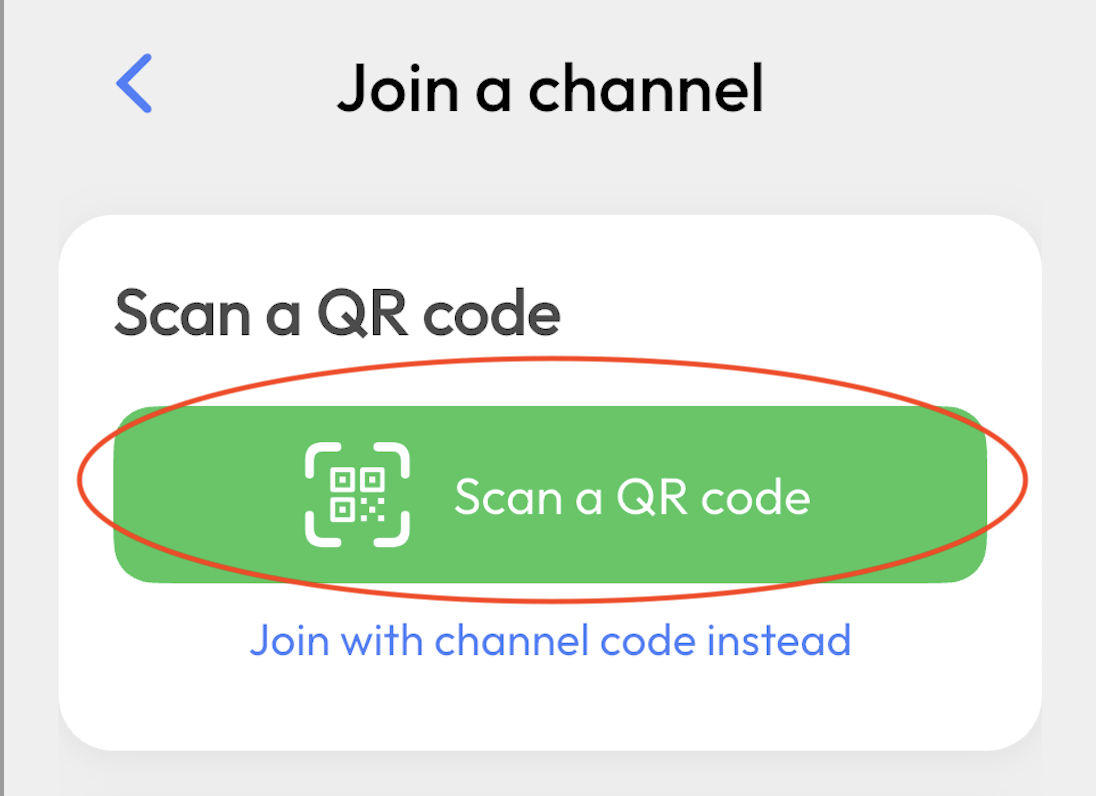
More detail: How to share live translation with a QR code.
Step 3: Listeners choose a language and tap Listen
- Set output language (Vietnamese, English, Korean, and more).
- Tap Listen for AI voice, or read captions only.
- Headphones help in noisy rooms.
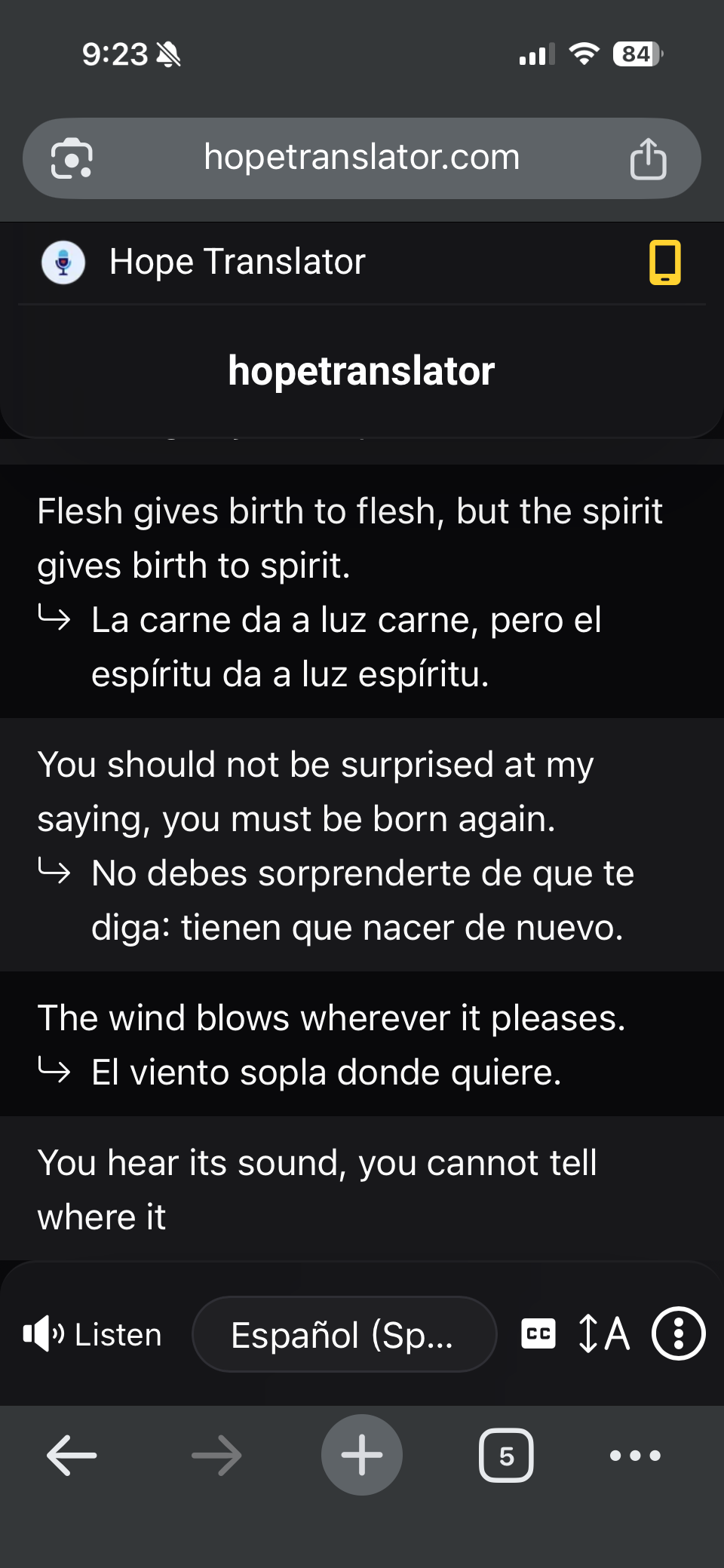
Listener walkthrough: How to listen to live translation. English→Vietnamese pair: English to Vietnamese live voice translator.
Best for these meeting types
- Multilingual team standups – One person speaks; the room follows in their own languages.
- Zoom / Teams with partners – Guests hear translation without installing interpreter software.
- Internal training and webinars – One broadcast, many output languages.
- In-room hybrid meetings – QR on a TV or slide; everyone uses their own phone.
Tips for accurate meeting translation
- Clear audio in – Good mic or audio from the Zoom/Teams host machine. See Accurate transcription and translation.
- Stable internet – For host and listeners.
- Test five minutes early – How to test live speech translation.
FAQ
Next steps
- Try it free – hopetranslator.com demo mode.
- Share a QR – How to share live translation with a QR code.
- Deeper virtual setup – Online meetings and live translation.
- Face-to-face chat – Live conversation translation.
- Need help? – FAQ or contact us.
Ready for live meeting translation? Start free on the web or get the app.