YouTube Live Captions Are Not Live Translation
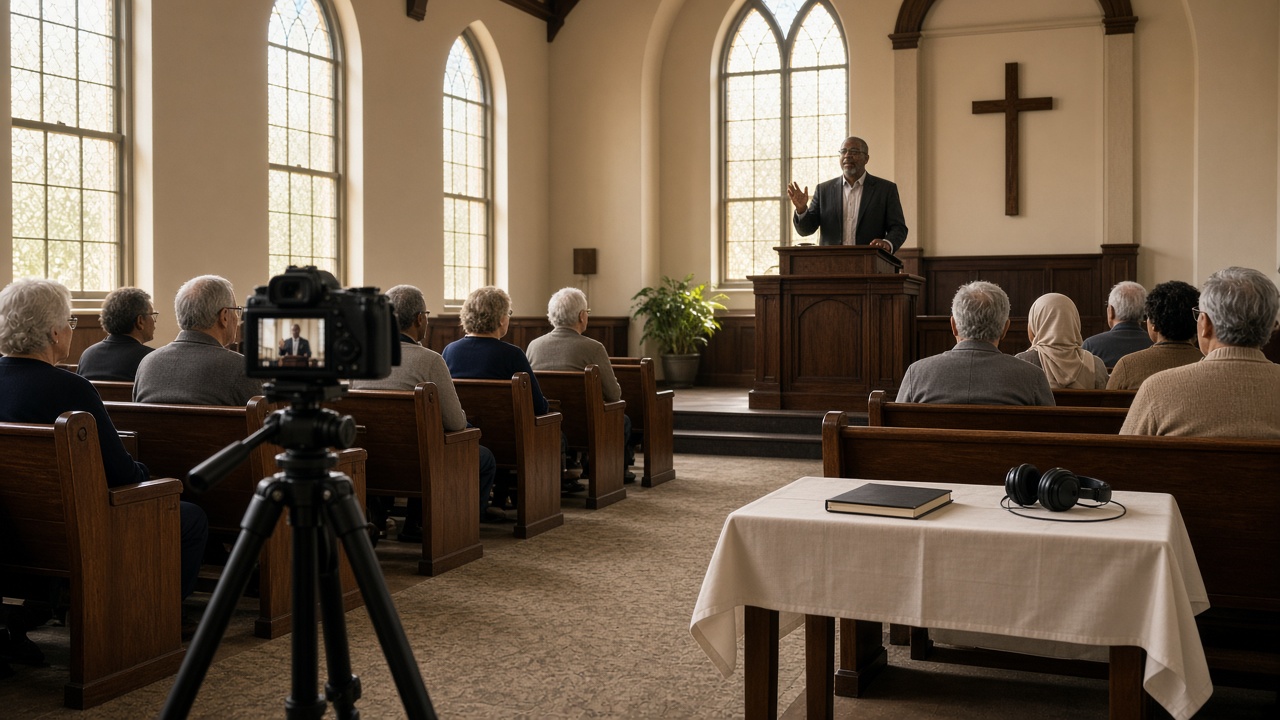
The livestream checklist looks finished. The camera is up. YouTube Studio shows a green preview. Someone turns on closed captions and writes “translation” on the run sheet.
A family watching from another city still hears only English. A guest in the pew never opened YouTube at all.
YouTube can write the preacher’s words as English text during a live stream—when the feature is available. That is captioning. It is not live translation. This comparison is the decision between those two jobs, not a streaming setup guide.
What YouTube actually captions while you are live
YouTube’s own help is more specific than the checkbox looks.
Automatic captions on live streams are English only. You turn them on for that stream, not for the whole channel. They are meant for normal latency. Low-latency and many mobile streams do not get them. After the hour ends, those live captions do not stay on the recording. YouTube generates a new caption pass for the video on demand, and it can differ from what viewers saw live.
YouTube also says automatic captions can misrepresent speech because of accents, dialects, overlapping voices, or poor audio. That is a transcription warning, not a translation feature.
If you send professional or embedded captions instead, YouTube’s live caption requirements still describe one caption track on the live stream. One track can be English accessibility. It cannot be Spanish, Korean, and Portuguese at the same time.
None of that is a knock on YouTube. The player is doing a hearing-access job in the language of the stream. Churches get into trouble when they treat that job as language access. For the difference, see language access vs accessibility.
Auto-translate is a replay habit, not a Sunday plan
Many people have used YouTube’s caption translation on an uploaded video. They tap CC, pick a language, and read a processed file. That habit is real. It is also later.
A live service is not an uploaded file. The people who need another language are trying to follow the sermon while it is happening—in the sanctuary, in a hospital room, or on a phone in another country. A translated replay they can open on Tuesday is hospitality for the archive. It is not hospitality for the hour you invited them to.
Treat “viewers can auto-translate the VOD later” as a bonus for English-first recordings. Do not put it on the Sunday plan as the translation strategy.
What live translation actually is
Live translation starts from speech, not from YouTube’s caption menu.
Someone captures a clean speaker feed. The system transcribes that speech and translates it while the talk continues. Listeners read the other language, hear it, or both. In a church, that usually means one host session and many listeners—broadcast, not eighty separate phone translators pointed at the pulpit.
The important differences are not branding. They are outputs:
- Source-language captions help people who can read the language being spoken and need text.
- Translated captions help people who think in another language and can read it.
- Translated audio helps people who follow better by listening, or who cannot watch a caption line and the pulpit at the same time.
YouTube live automatic captions do the first job in English, when they run. They do not do the second or the third.
Hope Translator is built for that wider job: live transcription and translation on the web and in the mobile apps, with broadcast (one speaker → many listeners) and solo / conversation (one-to-one) modes. Attendees join with a QR code or link and do not create an account. They pick a language from the supported list. That is a next step after you name the job. It is not “YouTube, but with more buttons.”
Side by side: the planning meeting version
Use this when someone says the stream is already translated because captions are on.
YouTube live automatic captions
- Write spoken English as English text in the player, when the channel and latency qualify
- Serve viewers who are already inside YouTube
- Leave in-room guests without a second language unless they opened the same stream
- Offer one live caption track
- Help with English hearing access; they do not change the language
Live translation
- Turn the same sermon into other languages during the hour
- Let each listener pick a language
- Reach the pew and the livestream from one speaker feed
- Offer text, audio, or both
- Can sit on the YouTube picture as an overlay, or beside it as a phone page
If most of your online audience reads English and you only needed a readable English line, YouTube’s captions may be enough for that slice. If anyone you invited thinks in another language, captions in English did not finish the work.
When YouTube captions are the right tool
Turn them on when the job is English hearing access on the player.
That includes hard-of-hearing viewers who read English, noisy living rooms, and people who follow better by reading the same language they are hearing. It also includes a later archive you will review and correct. YouTube is honest that automatic text should be checked.
Do not skip that tool just because you also need translation. A Spanish audio feed does not help a Deaf member who wants English text. You can keep YouTube’s English captions for the player and still run translation for everyone else.
When you still need live translation
You need it when the stream—or the room—includes people who cannot follow English as speech.
Typical church situations, as examples rather than customer stories:
- A Spanish-speaking grandmother watches the YouTube link her family sent. English captions are still English.
- A mixed-language household sits in the sanctuary. Nobody in that pew opened the church YouTube channel.
- Online viewers share three home languages. One burned-in caption line can show only one of them.
- People want to listen with an earbud and keep their eyes on the pulpit, not on a caption stack.
The sanctuary and the livestream are two rooms that happen to share a sermon. Church live translation for sermons is about making that hour followable. YouTube’s caption toggle is about making the English player readable.
How churches use both without pretending they are the same
The useful setup is additive.
Keep YouTube’s English live captions for viewers who need English text in the player. Feed the same clean speech mix into a translation session. If most online viewers share one other language, you can place that translation on the video as an overlay so it appears inside YouTube, Facebook, or your site. If people need a choice of languages—or they are sitting in the pew—share a QR code or link in the stream description, on a lower-third, and at the welcome table.
The overlay path is a production choice. The how-to lives in Hope Translator with YouTube Live and OBS Studio. The decision lives here: burn one language into the picture when the online audience is mostly one language; keep languages on personal devices when the mix is wider, or when a single caption line would hide the slides.
Do not ask every guest to open YouTube in the sanctuary so they can use the player’s English CC button. That is a livestream workaround, not a hospitality plan.
Name the output, then pick the platform
If you needed English text on the YouTube player, use YouTube’s captions and review the archive later. If you needed the sermon in another language while it was preached—in the room, on the stream, or both—that is live translation.
Hope Translator can run that second job from a laptop or a phone, then meet people on the video overlay or on the device in their hand. Compare current plans on pricing, or start a session at hopetranslator.com and test it on the service you already stream.