English to Spanish Live Voice Translator — Free to Try
Start now: Open hopetranslator.com to try the English to Spanish live voice translator in your browser, or download the free app for conversation mode on iOS and Android.
Hope Translator is a live voice translator for English to Spanish: speak (or broadcast) in English and get real-time text and natural AI voice in Spanish. Use it for churches, events, meetings, medical visits, and everyday conversations—no human interpreter required. Free to try.
Need the other direction? See Spanish to English live voice translator.
Two ways to use it
- Broadcast (one → many) – The host speaks English; Spanish listeners join via QR or link, then read captions or tap Listen for AI voice. No app download required to listen on the web.
- Conversation (face-to-face) – Use solo / conversation mode on the mobile app for back-and-forth English↔Spanish speech translation.
Searching for translate english to spanish live, translation english to spanish voice, english to spanish voice, or english to spanish translation speaking? This is the tool-intent page—try it first, then follow the setup steps below.
Why live English–Spanish voice translation
- Inclusion – Spanish speakers follow sermons, keynotes, and meetings delivered in English.
- Speed – AI translates as the speaker talks—no booking interpreters for every service.
- Choice – Read on screen or hear Spanish AI voice on web or app.
- Reach – One of the most requested language pairs for US churches, conferences, and community events.
How to listen to live English→Spanish translation
The host starts a broadcast (web or mobile) and speaks in English. As a listener, join via web or app, set output language to Spanish, and tap Listen.
Step 1: Join the broadcast
To try with sample audio, see How to Start a Demo Broadcast.
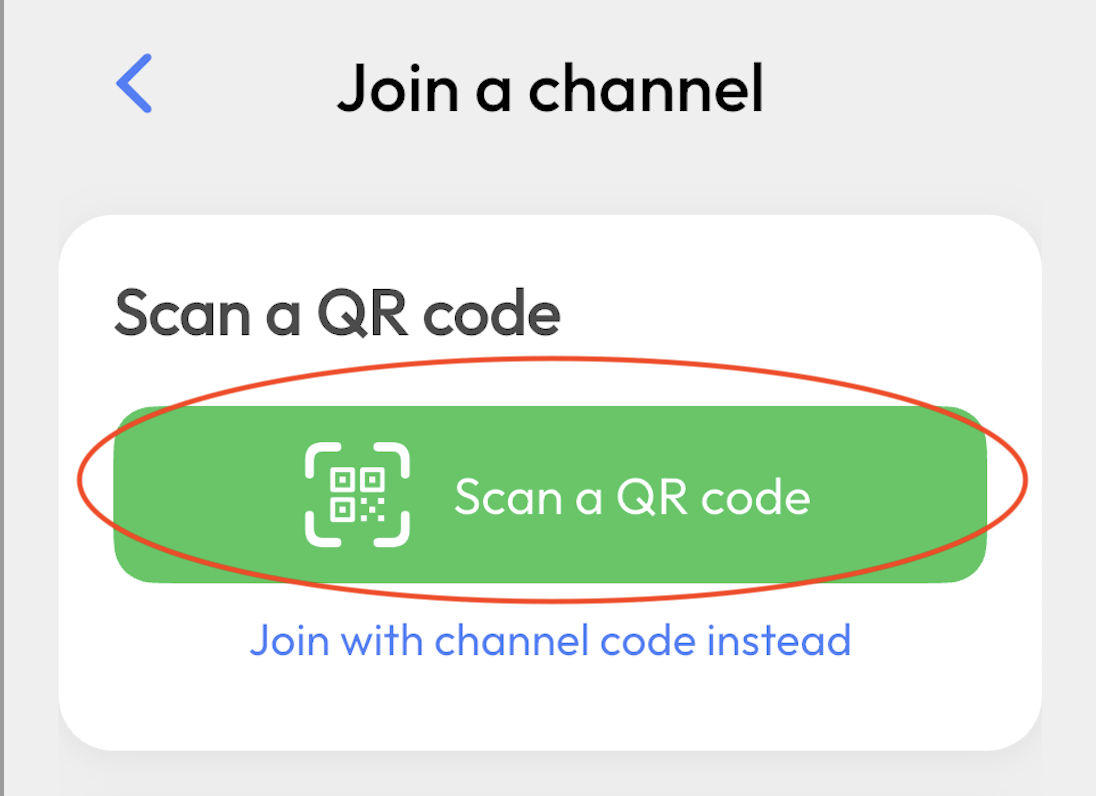
- Open the host’s link (or scan the QR code).
- Join in your browser—no app required—or use the Hope Translator app.
- You’re connected to the live English-to-Spanish channel.
Step 2: Choose Spanish
- Set output language to Spanish.
Step 3: Tap Listen
- Tap Listen for natural-sounding Spanish AI voice (web and app).
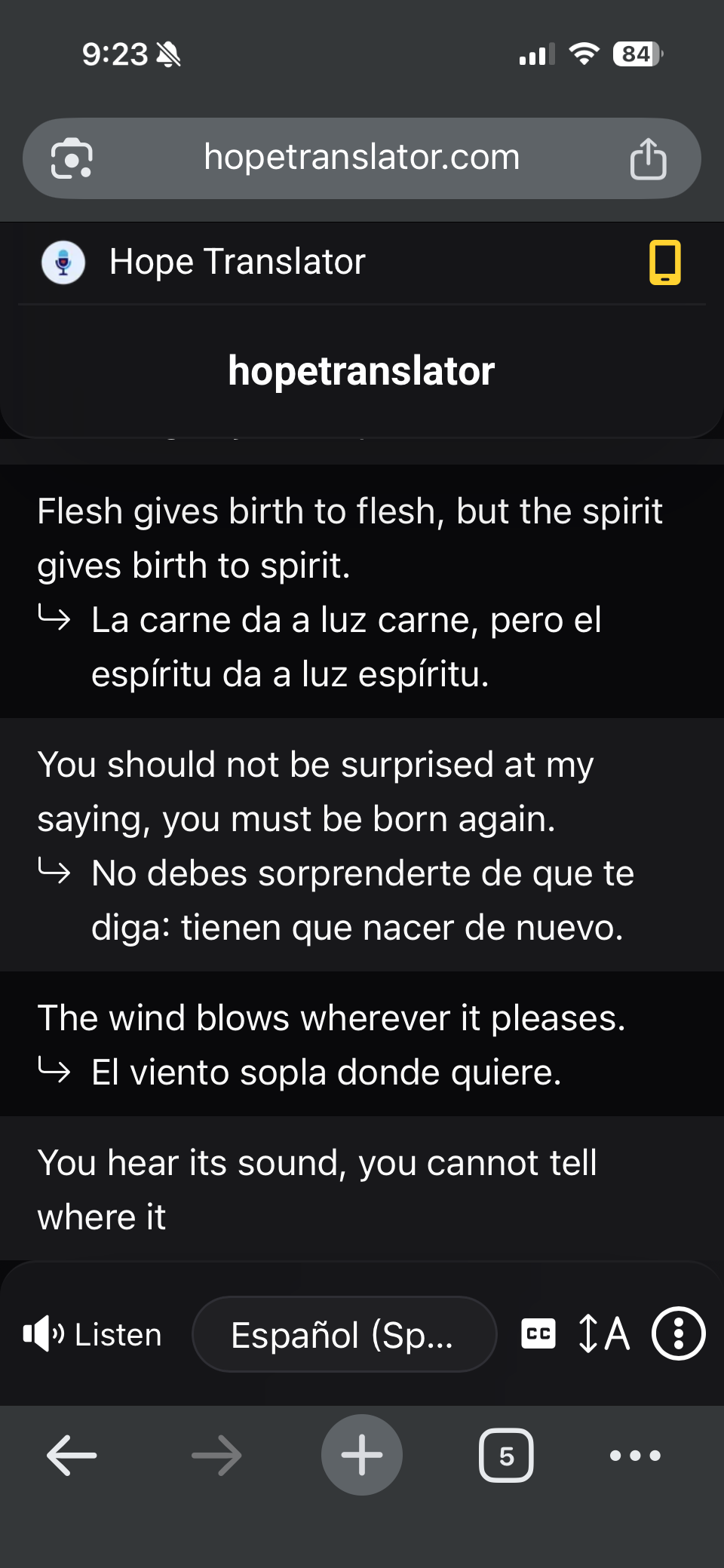
- Headphones help clarity. You’ll also see live Spanish text as the English speaker talks.
Read or listen: text and AI voice
- Read – Live Spanish text on web (viewer or overlay) or in the app.
- Listen – AI voice on web and app. No download required for browser listening.
Host setup details: How to Listen to Live Translation. Web vs mobile: Mobile App vs Web App.
Best for: churches, events, and conversations
- Churches and sermons – Spanish congregants read or listen during an English sermon. See Live Sermon Translation.
- Conferences and events – Live Spanish for keynotes and Q&A.
- Meetings and trainings – Include Spanish-preferring participants.
- Medical and community – Hear Spanish when comprehension matters.
- Family and small groups – Face-to-face conversation mode or a shared broadcast link.
Tips for accurate English–Spanish translation
- Clear audio in – Good mic or mixer feed. See Accurate Transcription and Translation.
- Stable internet – For host and listeners.
- Test first – How to Test Live Speech Translation.
FAQ
Next steps
- Try it free – hopetranslator.com demo mode (no credit card).
- Conversation mode – Live conversation translation on mobile.
- Spanish → English instead? – Spanish to English live voice translator.
- Share a broadcast – How to listen to live translation.
- Need help? – FAQ or contact us.
Ready to translate English to Spanish live? Start free on the web or get the app.