English to Chinese Live Voice Translator
Start now: Open hopetranslator.com to try live English→Chinese speech translation in your browser, or download the free app for conversation mode on iOS and Android.
Hope Translator is a live voice translator for English to Chinese: speak (or broadcast) in English and get real-time text and natural AI voice in Chinese Simplified or Chinese Traditional. Use it for churches, conferences, campuses, and everyday conversations—no human interpreter required.
Two ways to use it
- Broadcast (one → many) – The host speaks English; Chinese listeners join via QR or link, then read captions or tap Listen for AI voice. No app download required to listen on the web.
- Conversation (face-to-face) – Use solo / conversation mode on the mobile app for back-and-forth English↔Chinese speech translation.
Searching for english to chinese voice translator, translate english to mandarin live, or 英語即時中文翻譯? This is the tool-intent page—try it first, then follow the setup steps below.
Why live English–Chinese voice translation
- Inclusion – Mandarin and other Chinese-speaking audiences follow sermons, keynotes, and meetings delivered in English.
- Speed – AI translates as the speaker talks—no booking interpreters for every service.
- Script choice – Listeners pick Simplified or Traditional Chinese output.
- Reach – High demand across Taiwan, mainland China diaspora communities, US churches, and international conferences.
How to listen to live English→Chinese translation
The host starts a broadcast (web or mobile) and speaks in English. As a listener, join via web or app, set output language to Chinese Simplified or Chinese Traditional, and tap Listen.
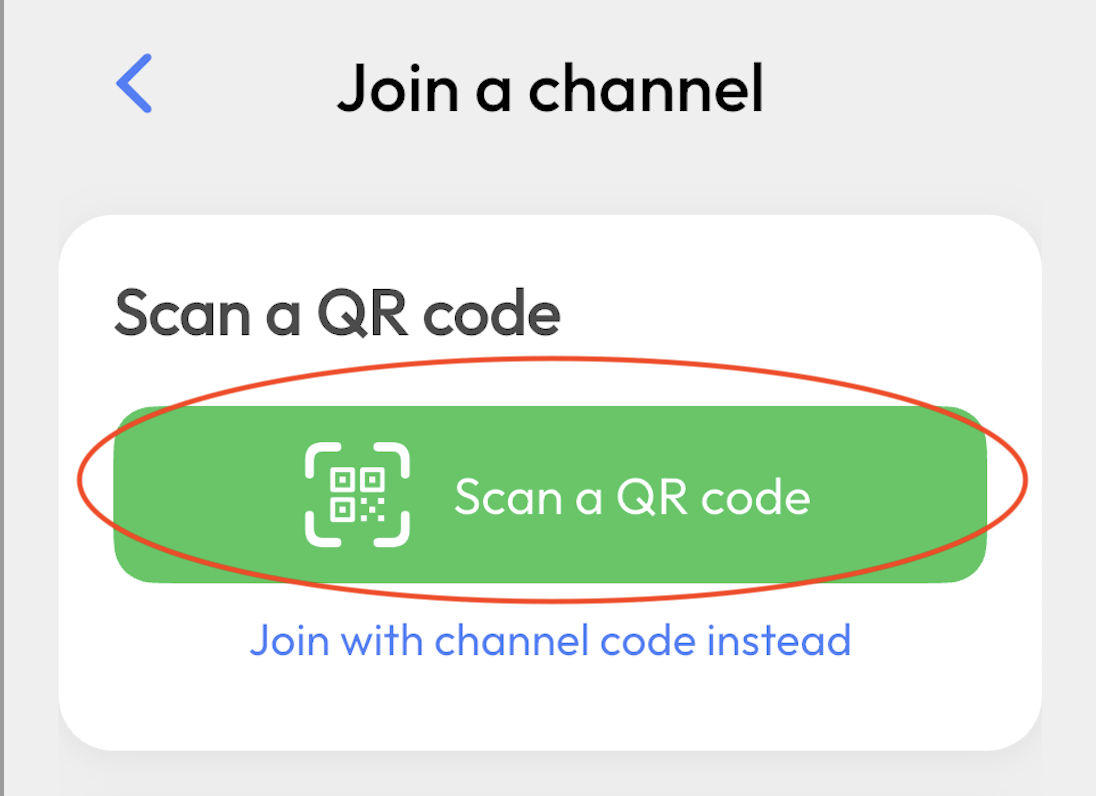
Step 1: Join the broadcast
To try with sample audio, see How to Start a Demo Broadcast.
- Open the host’s link (or scan the QR code).
- Join in your browser—no app required—or use the Hope Translator app.
- You’re connected to the live English-to-Chinese channel.
Step 2: Choose Chinese Simplified or Traditional
- Set output language to Chinese Simplified or Chinese Traditional—whichever your audience prefers (for example Traditional for many Taiwan listeners).
Step 3: Tap Listen
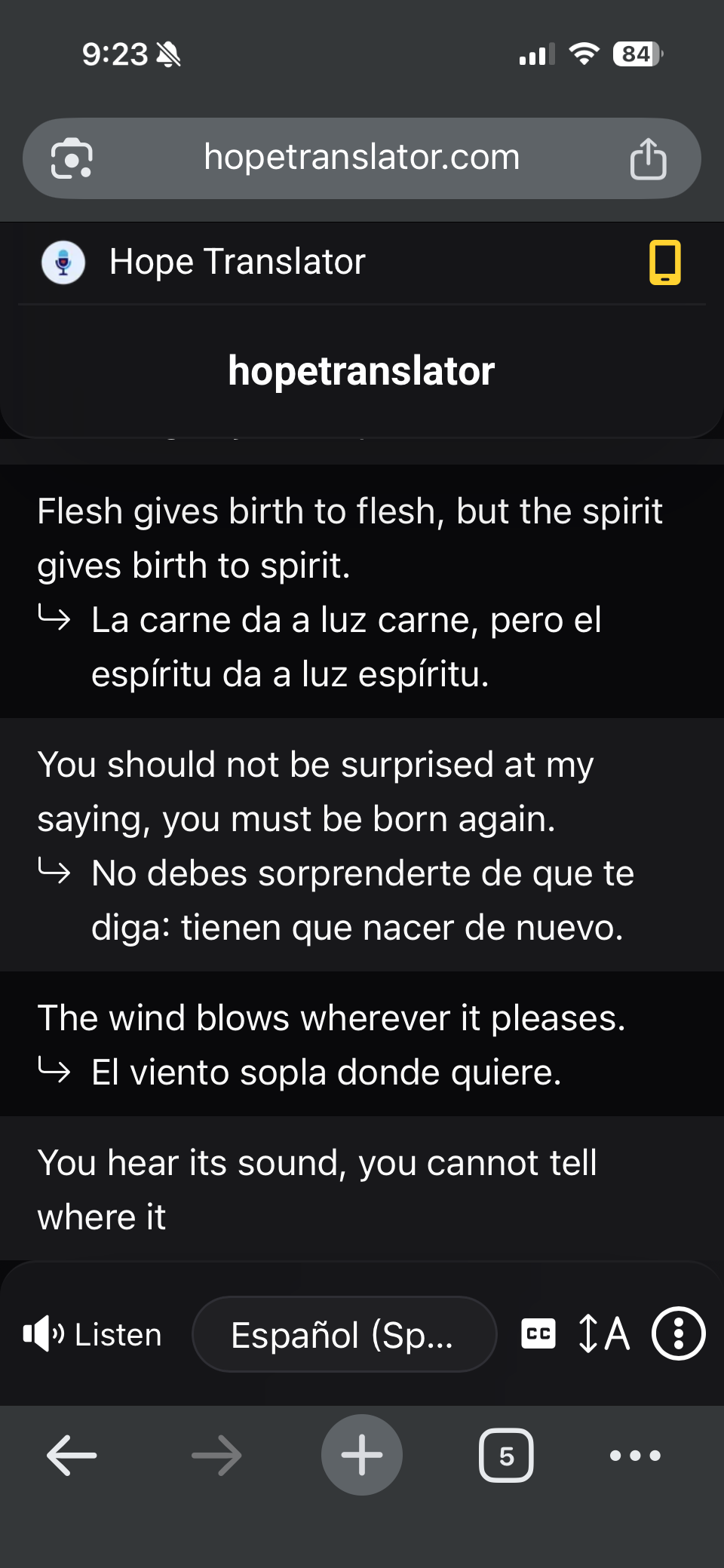
- Tap Listen for natural-sounding Chinese AI voice (web and app).
- Headphones help clarity. You’ll also see live Chinese text as the English speaker talks.
Read or listen: text and AI voice
- Read – Live Chinese text on web (viewer or overlay) or in the app.
- Listen – AI voice on web and app. No download required for browser listening.
Host setup details: How to Listen to Live Translation. Web vs mobile: Mobile App vs Web App. Full language list: Supported translation languages.
Best for: churches, events, and conversations
- Churches and sermons – Chinese-speaking congregants read or listen during an English sermon. See Live Sermon Translation.
- Conferences and campus events – Live Chinese for keynotes and Q&A.
- Meetings and trainings – Include Simplified- or Traditional-preferring participants.
- Family and small groups – Face-to-face conversation mode or a shared broadcast link.
Tips for accurate English–Chinese translation
- Clear audio in – Good mic or mixer feed. See Accurate Transcription and Translation.
- Stable internet – For host and listeners.
- Test first – How to Test Live Speech Translation.
- Match the script – Confirm guests use Simplified vs Traditional before the event.
FAQ
Next steps
- Try it free – hopetranslator.com demo mode (no credit card).
- Conversation mode – Live conversation translation on mobile.
- Share a broadcast – How to listen to live translation.
- Need help? – FAQ or contact us.
Ready to translate English to Chinese live? Start free on the web or get the app.