How to Broadcast Live Translation with Hope Translator
Hope Translator's broadcast feature allows you to share real-time translations with an audience, making it perfect for conferences, presentations, and events. This guide will walk you through the entire process of setting up and running a live translation broadcast.
- A microphone (built-in, USB, or wireless)
- A computer or mobile device
- A stable internet connection
- An audience ready to receive translations
Step 1: Choose Your Microphone
For the best results, select an appropriate microphone:
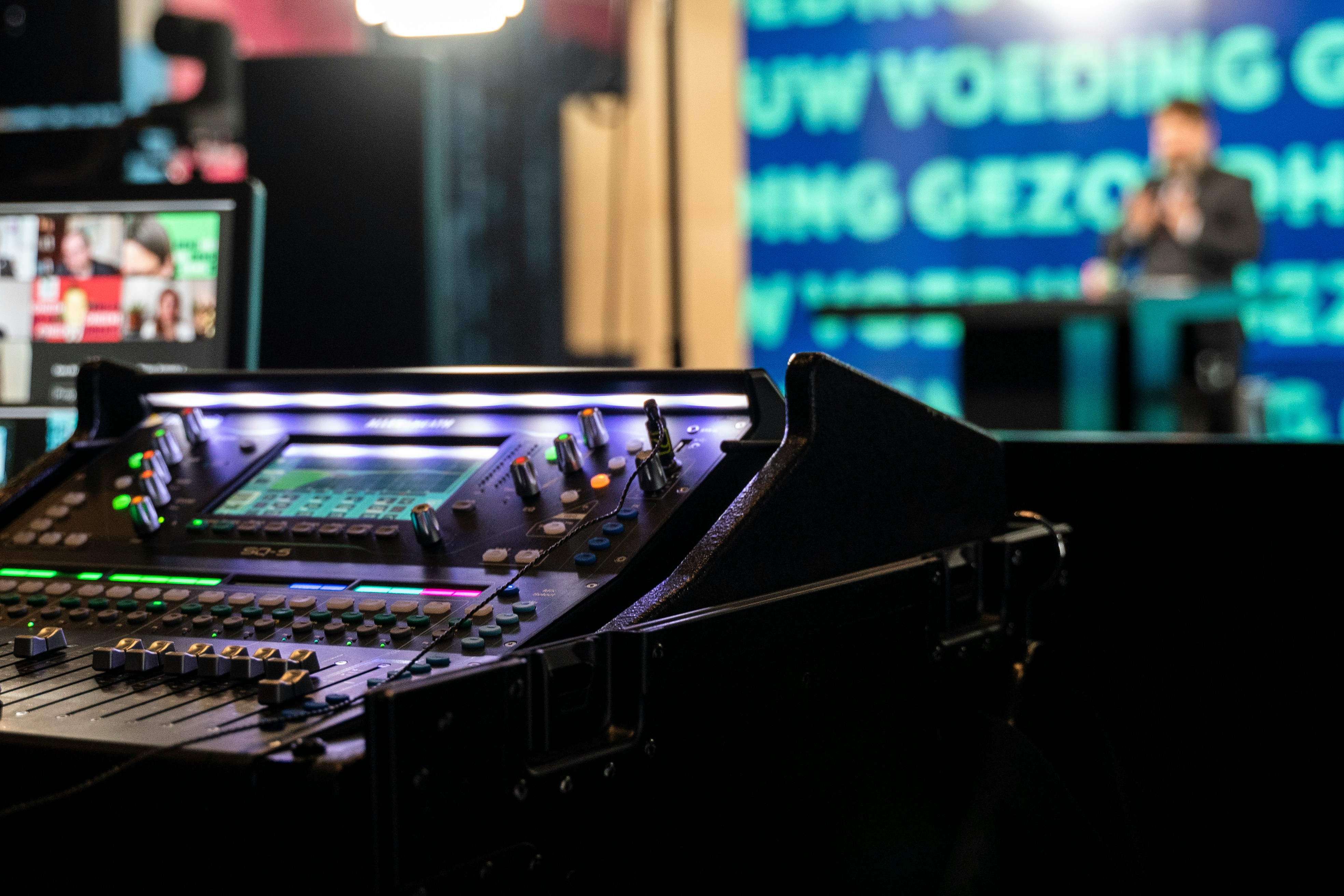
- Sound input: Use the sound input from your sound mixer
- Built-in microphone: Good for small rooms and quiet environments
- USB microphone: Better for medium-sized rooms and clearer audio
- Wireless microphone: Ideal for moving around or larger venues
- Lavalier microphone: Perfect for hands-free operation and professional setups
Step 2: Start Broadcasting
- Navigate to hopetranslator.com
- Click on "Broadcast Mode"
- Select your source language and sound input
- Click "Start Broadcasting"
- A unique QR code will be generated for your broadcast
Step 3: Share with Your Audience
There are several ways to share your broadcast:
- QR Code: Display the QR code on a screen or share it digitally
- Direct Link: Share the broadcast URL directly
- Share your screen: Present your screen using the QR code link in your browser
For Your Audience
Audience members can join the broadcast in three ways:
- Scan the QR code with their mobile device
- Click the shared link on any device
- Enter the broadcast code manually
Once connected, they can:
- Select their preferred language for translation
- View real-time captions
- Switch languages at any time
- Save the translation for later reference
Best Practices
- Test your setup before starting the broadcast
- Position your microphone correctly (about 6-8 inches from your mouth)
- Speak clearly and at a moderate pace
- Minimize background noise for better translation accuracy
- Have a backup plan in case of technical issues
Troubleshooting
If you encounter issues:
- Check your internet connection
- Verify your microphone is properly connected and selected
- Ensure your browser has microphone permissions
- Try refreshing the page if the translation stops
- Check if your microphone is muted or volume is too low
Tips for Success
- Prepare your environment: Choose a quiet location with minimal background noise
- Monitor the translation: Keep an eye on the translation quality
- Engage with your audience: Remind them they can switch languages
- Backup your audio: Consider recording your audio separately
- Practice beforehand: Do a test run to ensure everything works smoothly
Conclusion
Broadcasting with Hope Translator makes it easy to share your message with a multilingual audience in real-time. Whether you're hosting a conference, giving a presentation, or running a workshop, this tool helps break down language barriers and ensures everyone can participate fully.
Ready to start broadcasting? Visit hopetranslator.com and begin your multilingual journey today!